The Real Reason Your Perspective Drawing Feels “Off”
(And How to Fix It in 3 hours on the iPad)
Most architects and designers don’t struggle with perspective because they lack skill. They struggle because they’re using methods that don’t match real-world workflows.
In this studio, you’ll learn a faster, more practical way to draw perspective using references you already have—so your drawings feel accurate, clear, and presentation-ready.
✔ Used by 4,000+ designers
✔ Built for real projects (not art school exercises)
✔ Works with Morpholio Trace + iPad

Why Most Perspective Training Doesn’t Stick
Have you ever sat down to draw a perspective and something just felt… off?
❌ The proportions don’t quite line up.
❌ The space feels flat.
❌ It takes too long to use on actual deadlines.
You’re not alone.
Because most perspective methods were never designed for real design work. They were built for controlled exercises—starting from a blank page, placing vanishing points, and constructing everything step by step.
Technically, it works. But in real projects? You’re almost never starting from scratch. And that’s where the disconnect happens.
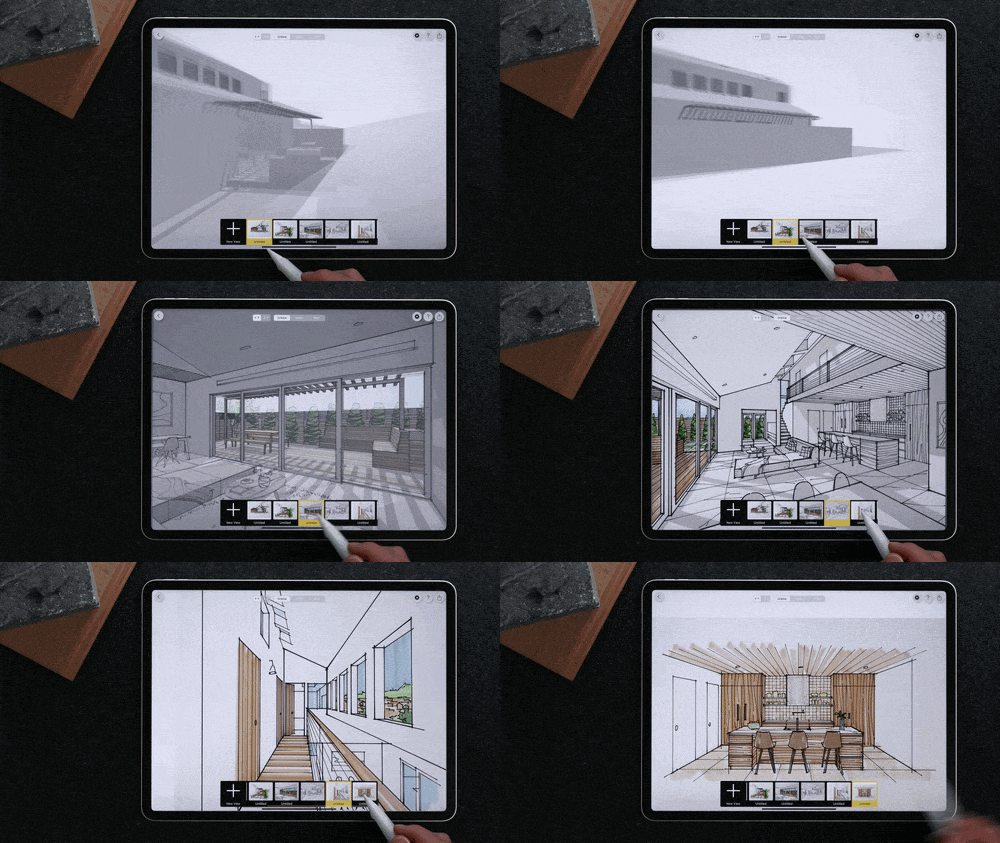
A More Practical Way to Draw Perspective
Instead of constructing perspective from scratch…
You start from what you already have.
Inside this workshop, you’ll learn how to use:
• Site photos
• Floor plans
• Simple massing models
• 3D views inside Morpholio
…to quickly build accurate perspective drawings without guessing.
This is how perspective actually happens in practice. Not as a technical exercise—but as part of your design workflow.
You don’t need to construct perspective. You need to extract it.
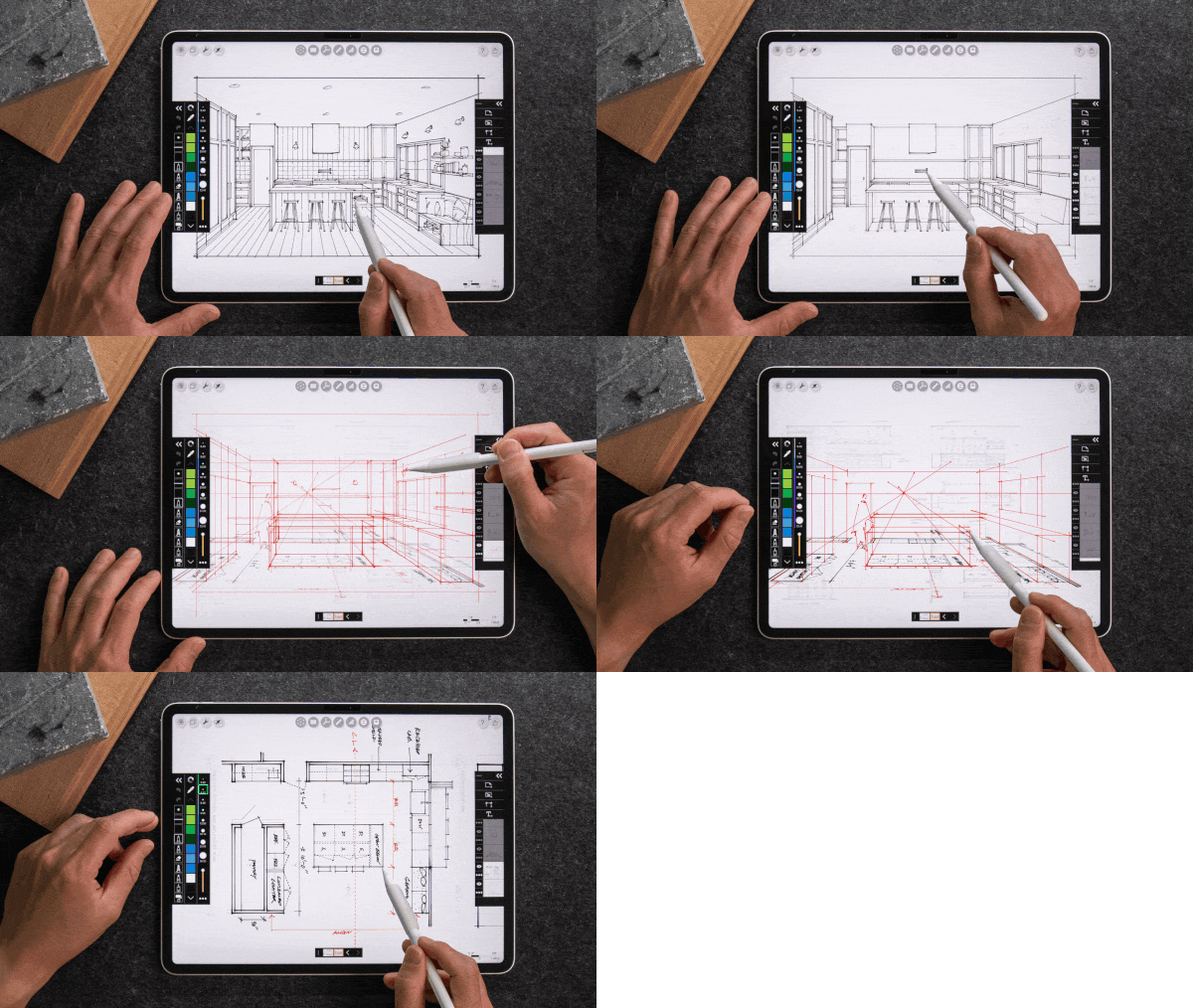
The 3 Perspective Workflows You’ll Learn
You can choose the fastest approach depending on your project.
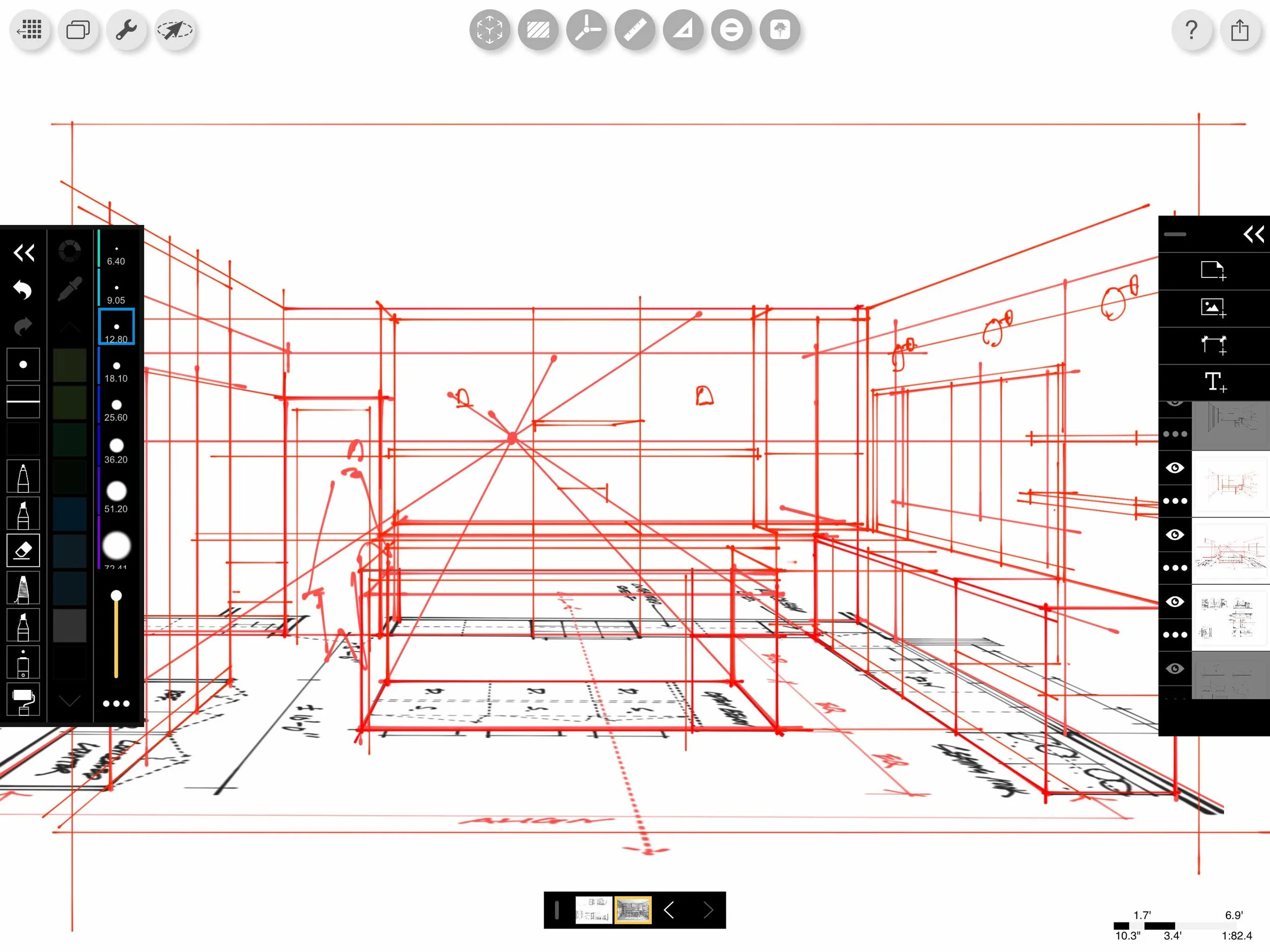
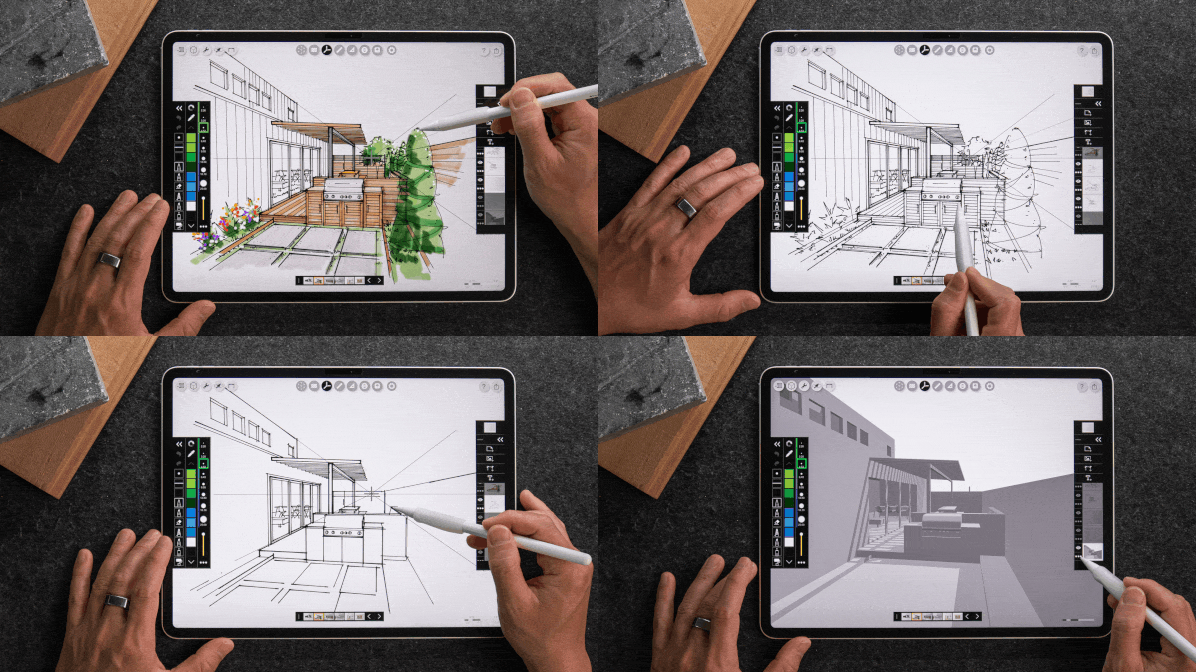
1. From a Photo—Turn site photos into accurate perspective drawings without distortion or guesswork.
2. From Morpholio 3D—Use built-in 3D tools to find the right view and sketch live—perfect for client-facing work.
3. From a Plan—Translate floor plans and site plans into spatial drawings without building a full model.
By the end, you won’t be asking “where do I place the vanishing point?” anymore. You’ll already have it.
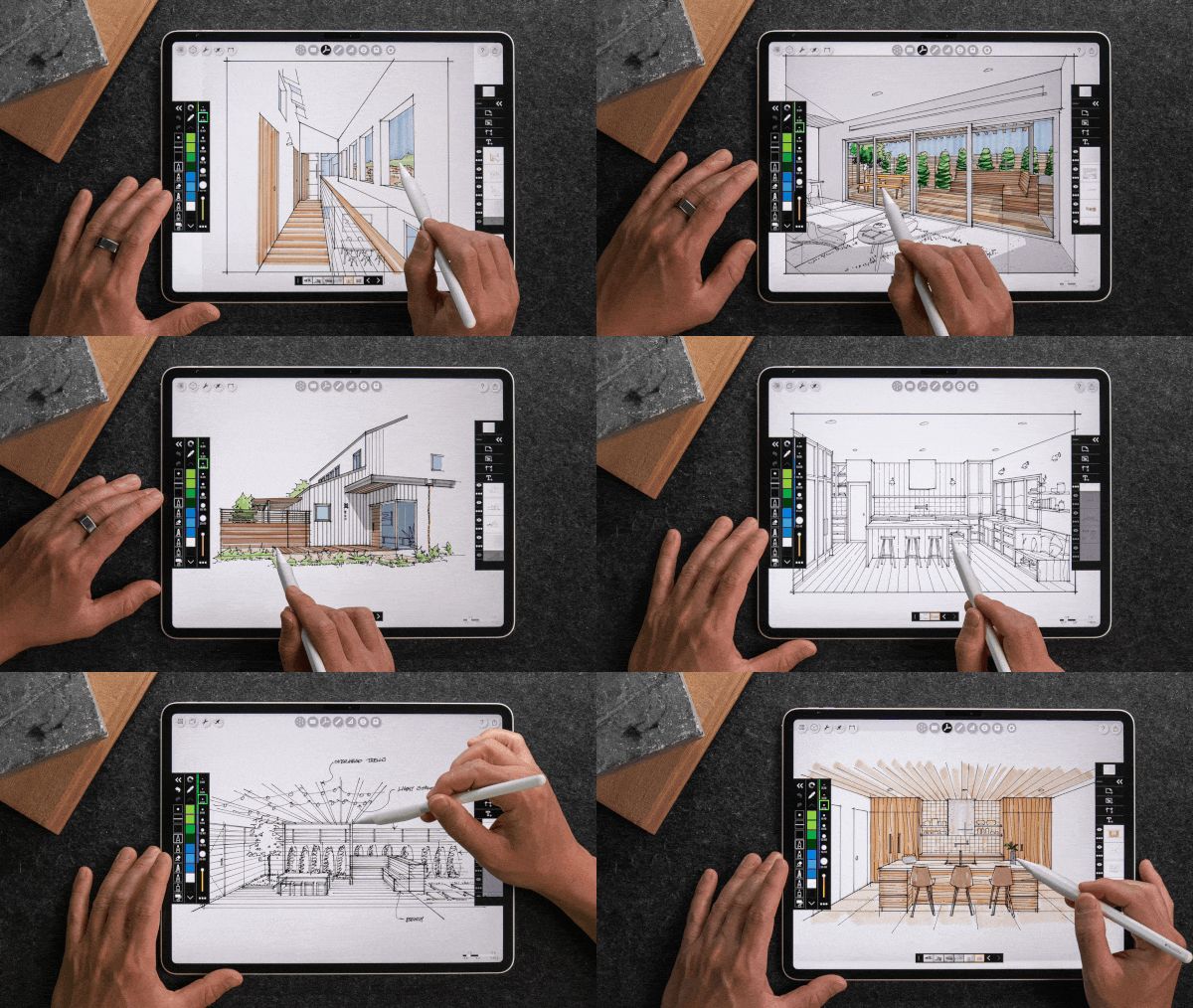
Introducing The Perspective Studio
Studio 1
Accurate Perspective Without Starting From Scratch
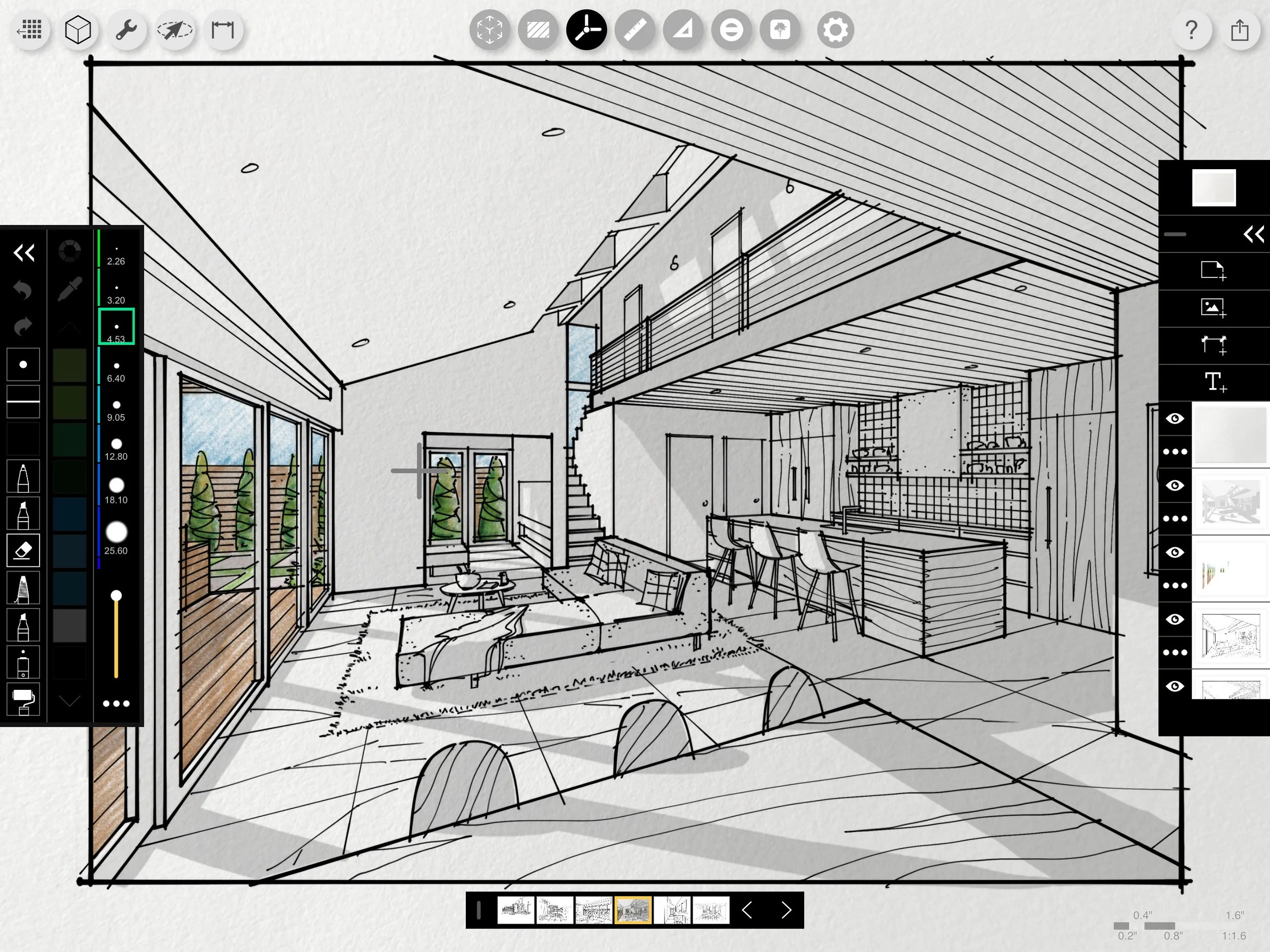
You’ll learn how perspective actually works—but in a way that makes sense for real projects. You’ll start with references you already have and turn them into clean, accurate perspective drawings.
What you’ll learn:
• How to identify horizon lines and vanishing points instantly
• How to avoid distortion and “off” proportions
• The fastest way to construct believable depth
• How to choose the right workflow for each scenario
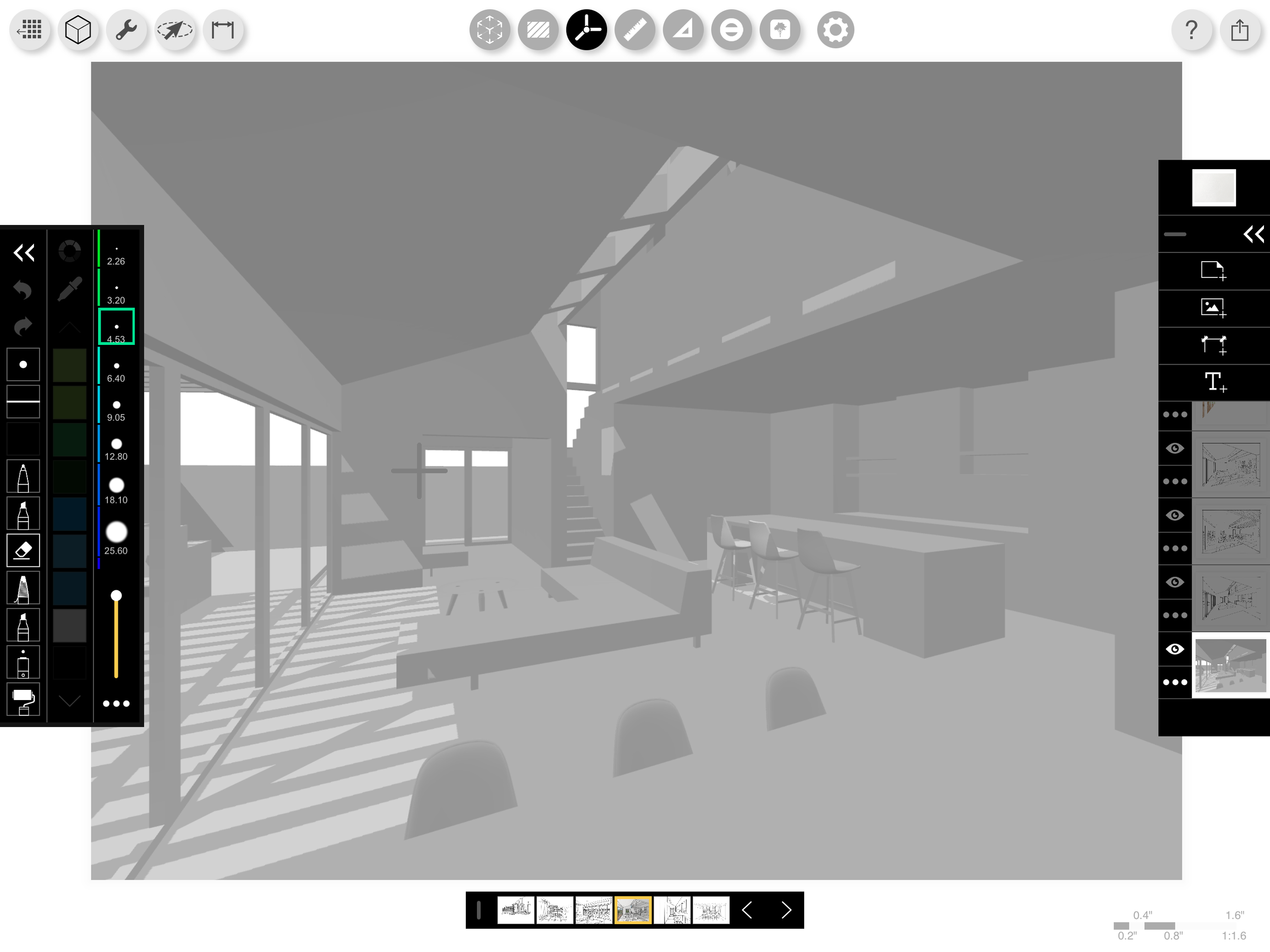
Studio 2
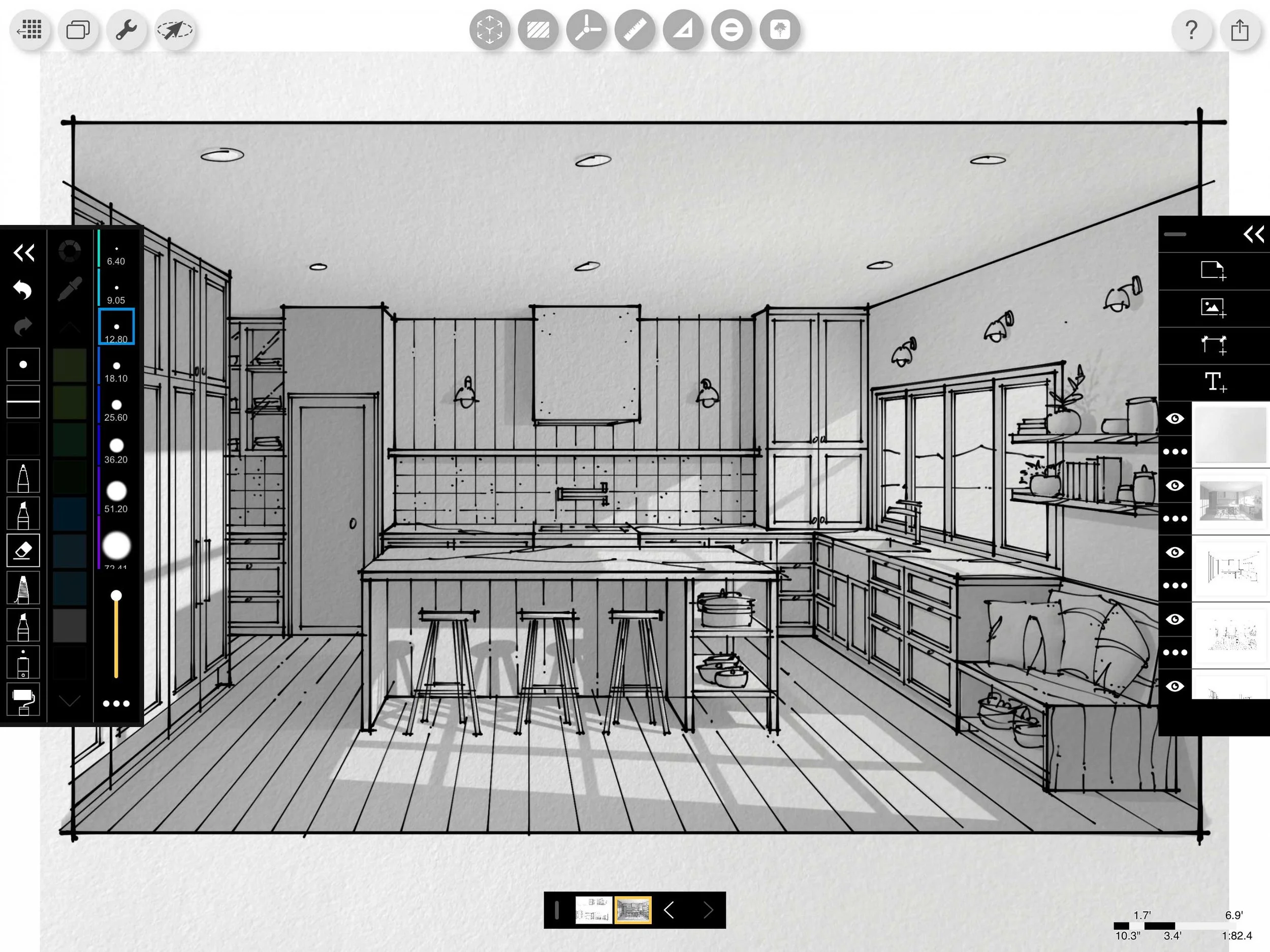
Turn Your Sketches Into Presentation-Ready Drawings
Most drawings don’t fail because of perspective. They fail because they lack clarity, depth, and hierarchy.
On Studio 2, you’ll learn how to fix that.
What you’ll learn:
• Line weight techniques that create depth instantly
• Color and shading to reinforce spatial clarity
• How to avoid overworking your drawings
• Using AI to streamline workflow from sketch → presentation
30-day money-back guarantee
See What Others Have Said In The Past
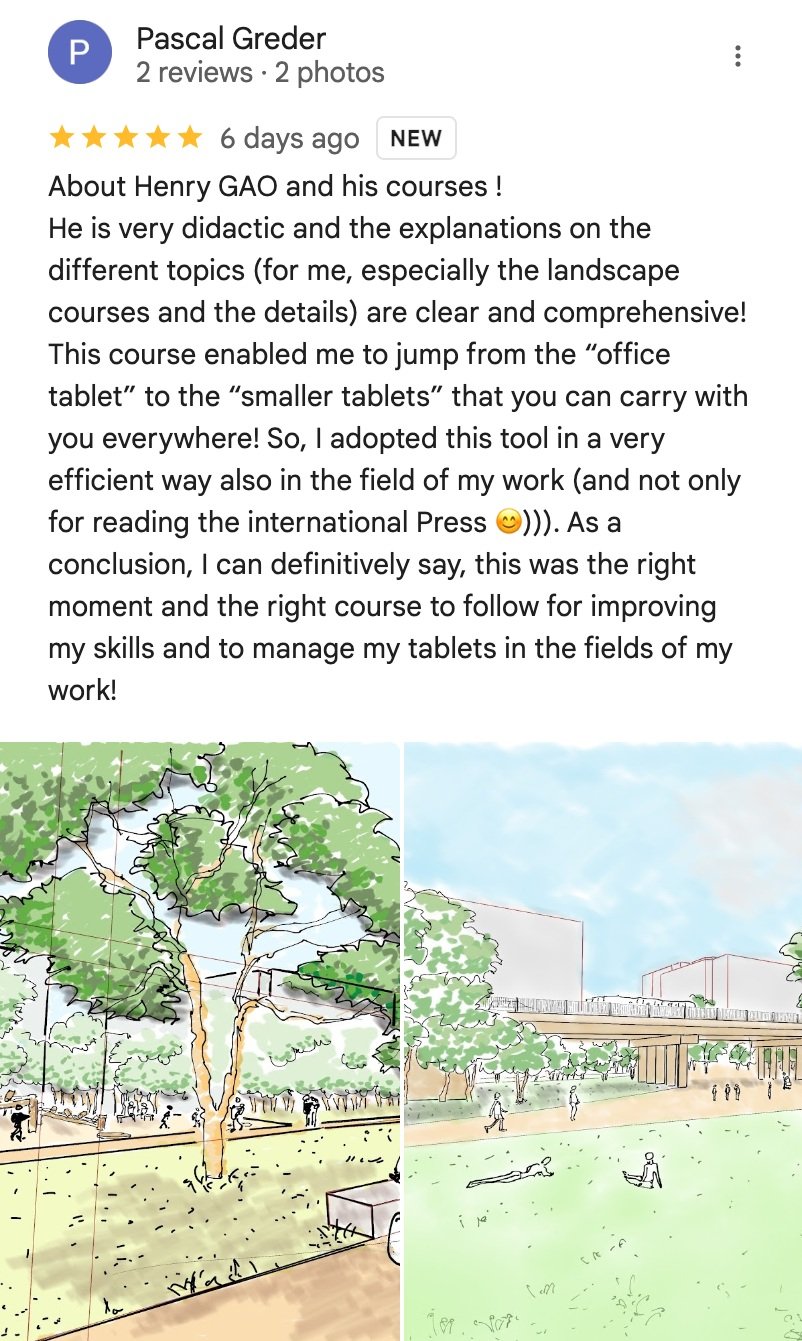
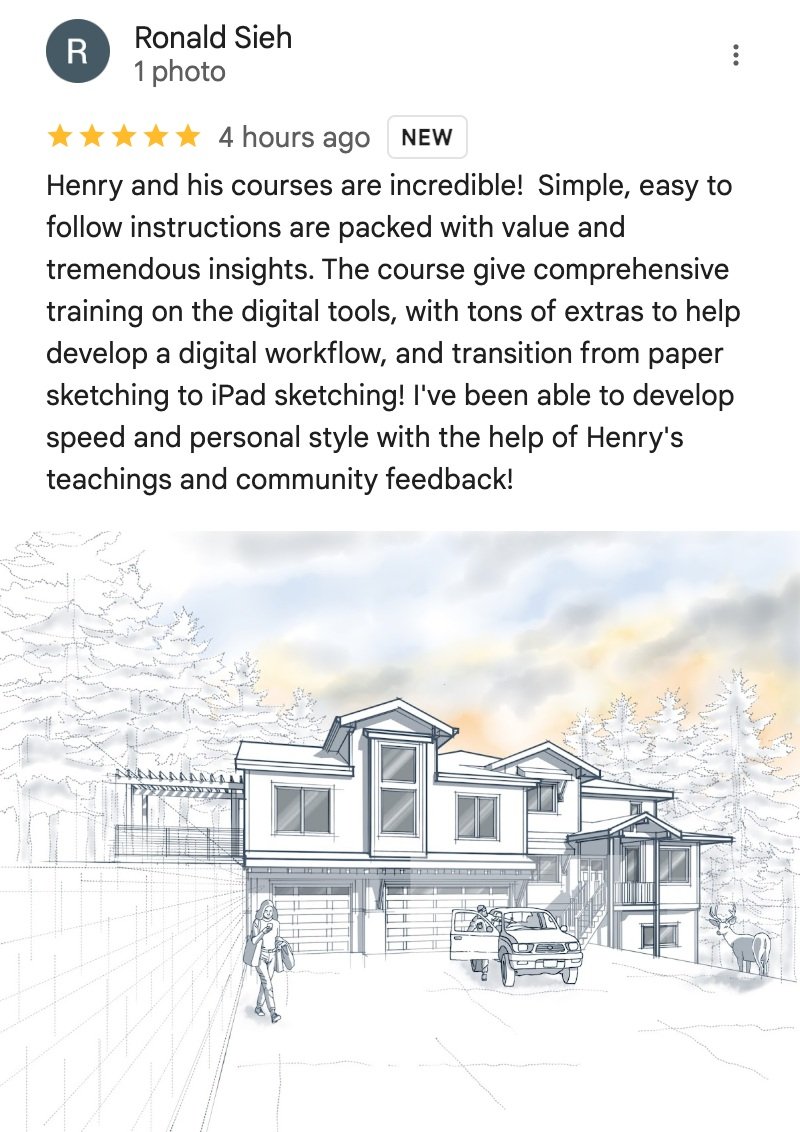
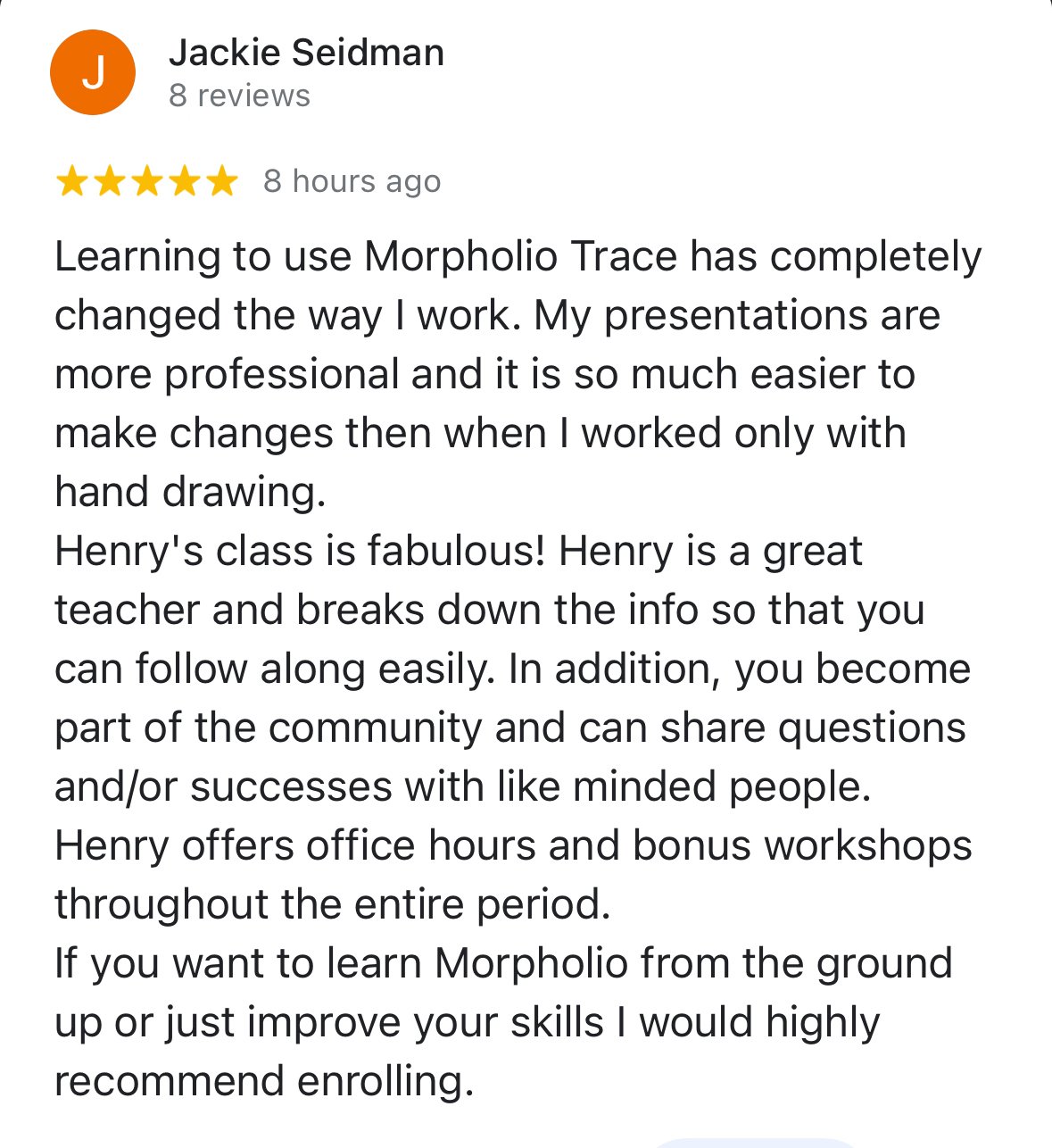
“What’s nice about it is Henry breaks it down into smaller components. I mean easy as 9 mins a day.”
Mike Fisher, Architect, USA
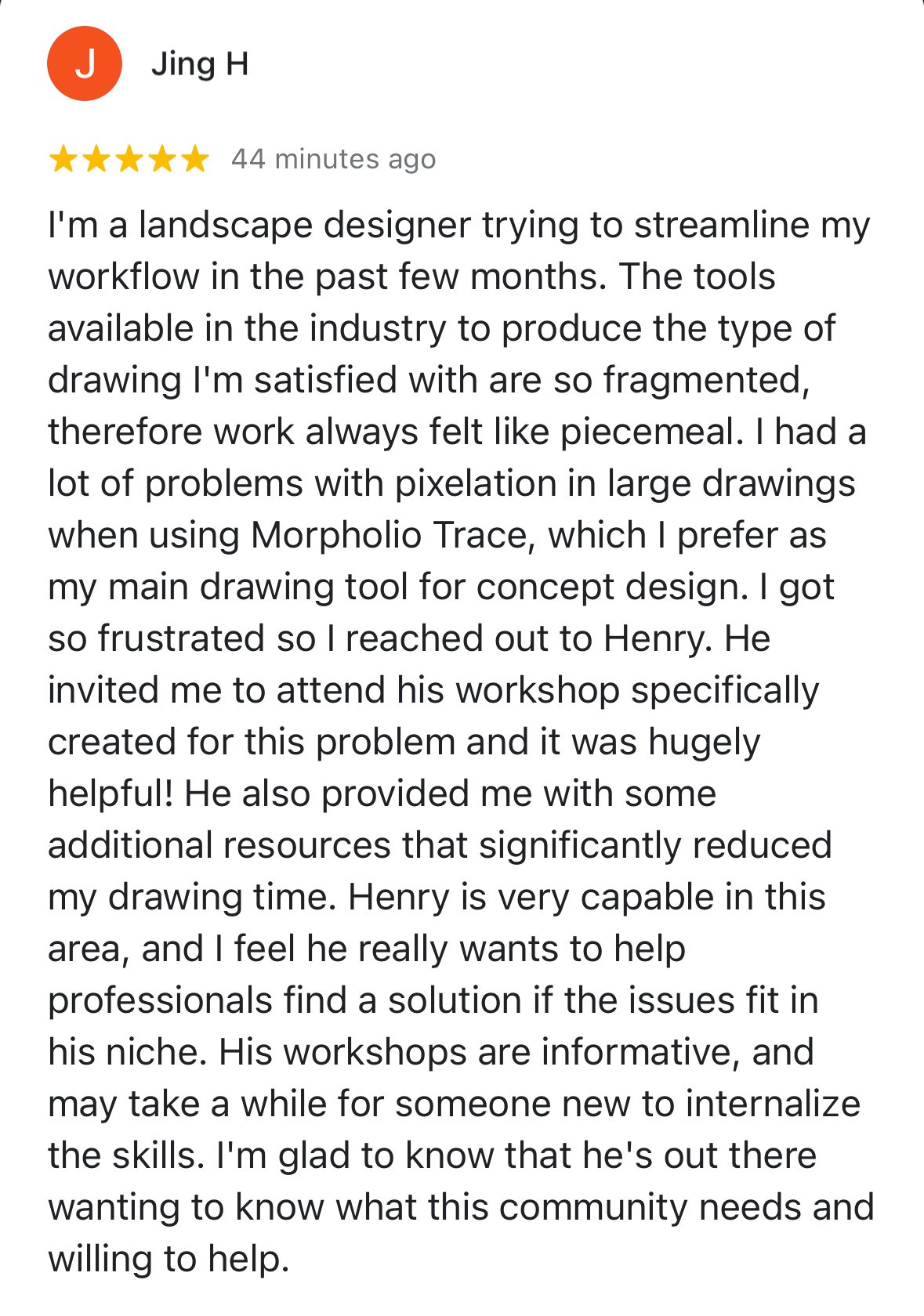
“As a Procreate power user, it definitely revealed things that even I didn’t know about.”
-Eric Reinholdt, Architect, USA
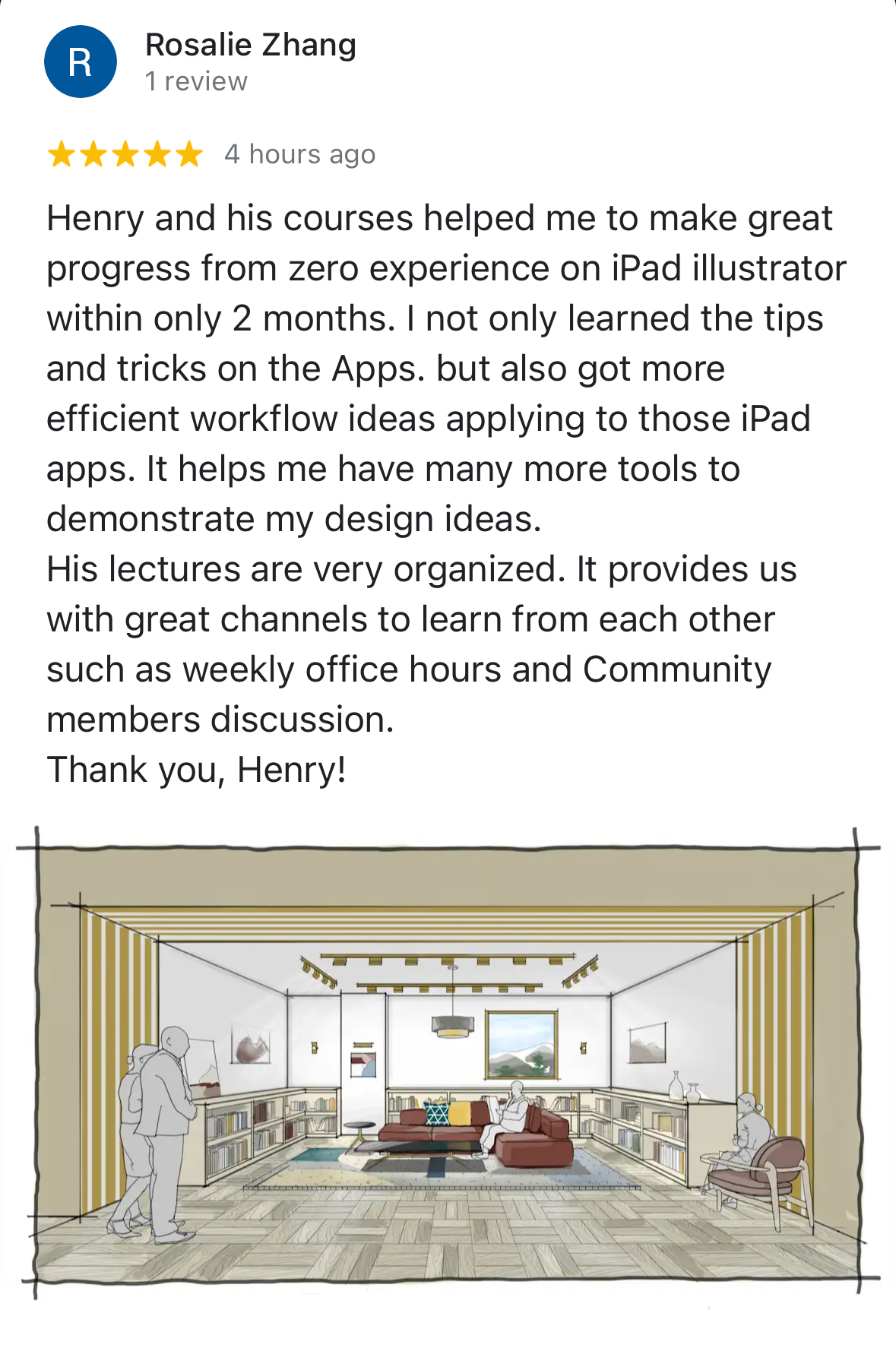
“What I like most about learning with him is the clarity and practicality he brings to the table.”
Rehan Saiyed, Design Director, Australia




Meet Your Instructor
Hi, I’m Henry Gao.
I’m an architectural designer and illustrator.
Over the past few years, I’ve helped over 4,000 architects and designers transition from traditional sketching to a faster, more flexible iPad workflow.
Not by teaching more theory—
But by simplifying the process so it actually works in real projects.
My teaching style focuses on one thing:
Practical skills designers can actually use in the real world.
I combine traditional drawing principles with modern workflows so designers can move faster and communicate ideas more clearly.
Choose Your Level of Support
No matter which option you choose, you’ll learn the same core system.
The difference is how quickly and confidently you apply it.
Studio
Access
$197
Core training only
✅ 30 Studio lessons ($1,000 value)
✅ iPad for Architects private Skool community ($500 value)
✅ Bonus: 3-Day iPad Beginner Bootcamp training ($300 Value)
✅ Bonus: iPad case studies ($200 value)
Total Value: $2,000
Best for: Designers who want the system and can apply it independently
Studio
Support
$297
Core training + support
Includes EVERYTHING in Studio Access, plus:
✅ Access to 12 weekly office hours sessions
✅ Guidance on how to apply the workflows to your specific projects
Total Value: $3,800
Best for: Designers who want guidance and support

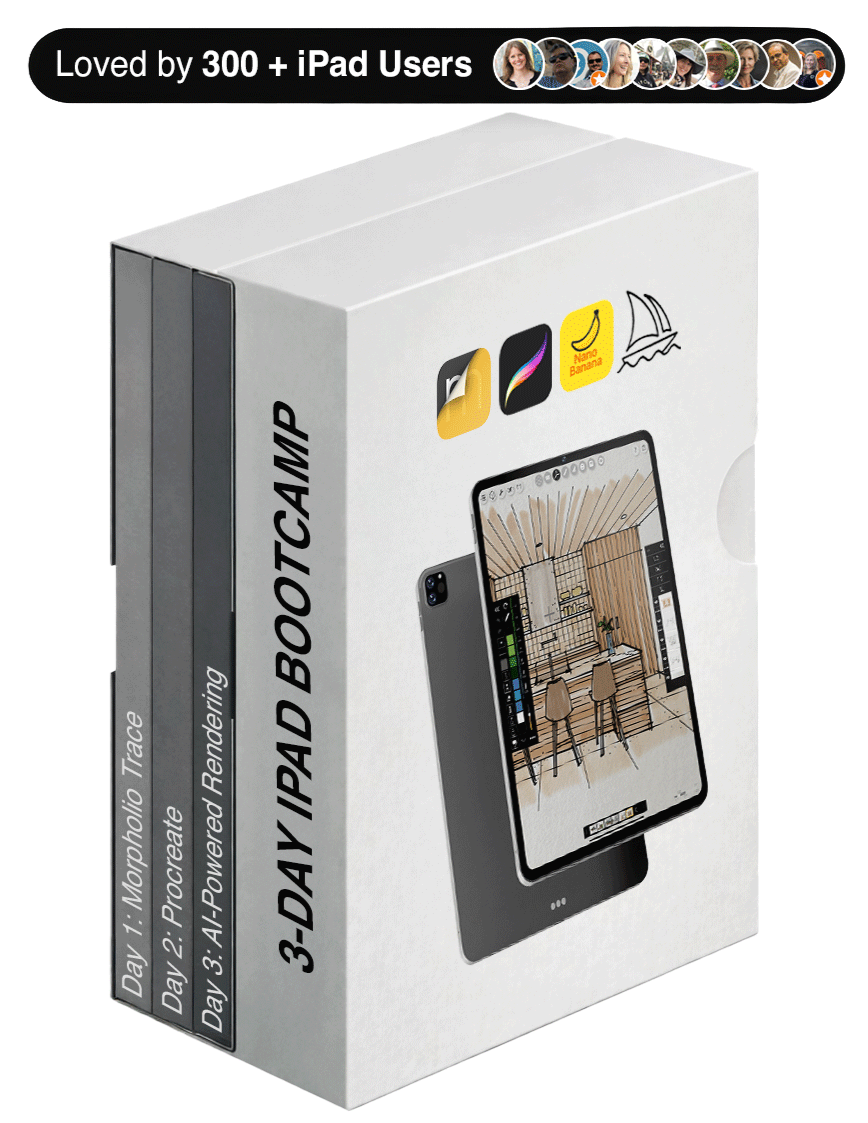
🎁 Special Bonus: 3-Day iPad Design Bootcamp (FREE)
If you’re newer to the iPad, this ensures you won’t fall behind during the workshop.
This bonus serves as a guided introduction to all three core workflows: starting with Morpholio Trace for architectural drawing (Day 1), moving into advanced coloring techniques in Procreate (Day 2), and finishing with AI-powered rendering workflows (Day 3).
Total Value: $300 — yours free with this studio.

If you don’t feel more confident drawing perspective on your iPad, you don’t pay.
If you don’t feel the program has lived up to its promises after 30 days from enrollment or if you want your money back for any reason…
Just shoot one email to support@henrygao.com saying you want a refund without any explanation. Refund processed within 3 business days — no questions asked.
Join Thousands Of Architects & Interior Designers Who Have Transformed The Way They Work With Henry’s Digital Workflow
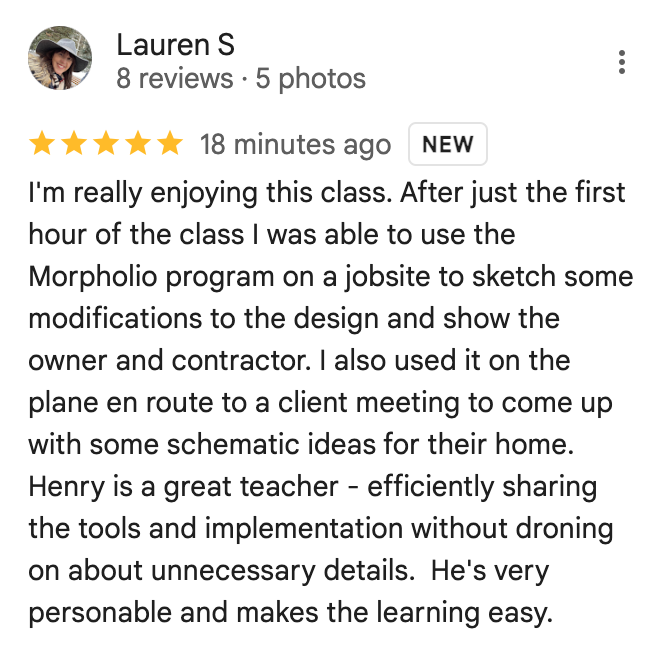
“Seeing the quality of a lot of your work, and thinking holy cow”
David Scott, Architect, UK
“My reservation at first were just like was this going to be easy enough and was it going to be the same quality as sketching on paper?”
Lauren Kenne, Architect, USA
“I used to present to people I look at now and I’m like, oh my god, I cannot believe I gave that to people”
Jackie Seidman, Landscape Architect, USA
-
![]()
Henry has brought back the romance of the handcraft of the architecture industry! The iPad with Apple Pencil has been released for 7+ years and no one on the internet besides Henry has created such a robust course that will teach architects of any experience level the skills required to maximize the power of the iPad in the Architectural Industry!
Devon, California
-
![]()
The content is well-structured, engaging, and delivered by a knowledgeable expert who has a knack for breaking down complex concepts into simple, easy-to-understand steps. What sets these tutorial videos apart is the clarity and attention to detail. Each video is meticulously crafted, covering every aspect of the subject matter, leaving no stone unturned.
Mykel, Utah
-
![]()
I enjoyed hearing his personal insight throughout each lesson. My favorite part of this course was the Case Studies, where we’re invited to watch his thought process of bringing some of his own projects to life. You can tell, especially here, that Henry really wants you to succeed at Procreate
Whitney, New York
-
![]()
Henry's architect/interior designer focused content helps refine existing skills and inspires/develops new skills and workflows. The content is clear, direct and directly applicable to the iterative design process. Henry's mentoring and design expertise shines in how he explains each lesson and takes you through his process.
Adam, Long Beach USA
-
![]()
I found it tedious to draw by hand so I started to rely more on digital CAD tools, which made me disconnect my hands from my creative process. I think the procreate course is a great way to reconnect with my hands while designing.
Beatriz, Honduras
-
![]()
This course is something I have been curious about and searching for for a really long time. Hand sketching and drafting was something I did in school, but after practicing architecture mostly in 3D modeling software, I have become very reliant on digital tools. I believe that Henry bridged this gap for me with this course.
Julius, California
-
![]()
Not only will Henry guide you through all the tools to produce a final drawing, he will also share helpful tips. I enjoyed hearing his personal insight throughout each lesson.
Aleks, London
-
![]()
Having Henry as a guide has made it effortless. His step by step process, colored with useful tips along the way, demystifies the complexities of drawing on an iPad and makes it accessible to all.
Omar, Maryland
-
![]()
This course is great for getting you setup to be ready to create digital designs! So many good tips and tricks that I would have never found on my own.
Benjamin, British Columbia
-
![]()
His deep experience of art principles, NOT just technique will make you transcend the technical and mechanical aspects. I totally recommend this course regardless of your profession and level of experience,... Interior Designers, Designers, Landscape Architects, Architects, Artist, Enthusiastic's.
Rafael, Taxes


Frequently Asked Questions
-
This is a hands-on workshop focused on practical perspective drawing for real design work.
It’s not a lecture, and it’s not a theory-heavy class where you spend hours constructing perfect grids from scratch.
Instead, this workshop is built around how working designers actually use perspective in practice.
You’ll be following along step-by-step as we draw together, using real-world references like models, plans, and photos—so you can see exactly how perspective fits into an actual workflow.
The goal is simple:
Help you draw perspectives that are fast, believable, and usable in your day-to-day projects
By the end, you won’t just understand perspective—you’ll have a repeatable system you can apply immediately in your own work.
-
No — the studios are a self-paced, on-demand course with over 30 short lessons. You can learn on your own schedule, pause to practice, and revisit the material anytime you need.
-
The workshop is offered in two tiers, depending on how much support and feedback you’d like:
Studio Access — $197
Includes the full curriculum, lifetime access, and the 3-Day iPad Bootcamp bonus. Best if you want to learn and implement on your own.Studio Feedback — $297 (Most Popular)
Includes everything in Studio Access, plus the ability to attend 12 weekly office hours, and receive group feedback. Ideal if you want guidance and input as you improve. -
Studio Access is the core workshop experience. You’ll get everything you need to learn and apply the workflow:
Access to both Studio sessions (2 days)
Lifetime access so you can revisit anytime
Bonus: 3-Day iPad Bootcamp ($300 value) to build your foundation
This is perfect if you want to learn the system, follow along, and implement on your own without additional feedback or coaching.
-
Studio Support includes everything in Studio Access—plus support to help you improve faster:
Everything in Studio Access
Access to 12 office hours for additional guidance
Ability to submit your drawings
Group feedback on your work during live sessions
This tier is ideal if you want eyes on your work and to learn not just from your own drawings, but from others in the group as well.
-
This studios are designed for architects, interior designers, landscape architects, and design students who want to improve their perspective drawing in a way that actually fits real-world practice.
This is not a theory-heavy, art-school-style class.
Instead, it’s built for working designers who need perspective drawing to be:
Fast enough to use during real projects
Clear enough to communicate ideas to clients and teams
Reliable enough to get proportions, depth, and viewpoints rightIf you’ve ever felt like:
❌ your drawings take too long
❌ your perspectives feel slightly “off”
❌ or you’re unsure how to apply perspective in an actual workflow—this is exactly for you.
The focus here is on practical, repeatable workflows using tools and references you already have (models, plans, photos), so you can integrate perspective drawing directly into your design process—not treat it as a separate skill.
-
This studio may not be the best fit if you’re looking for highly polished, presentation-style illustration techniques or fine art rendering. The focus here is on clear, effective design sketches—not hyper-realistic visuals.
It’s also not ideal if you have little to no experience drawing on the iPad or using Morpholio Trace. We’ll be moving at a pace geared toward designers who are already somewhat familiar with the tools.
That said—if you’re motivated to get up to speed, you’ll be in good hands. The included bonus 3-Day iPad Bootcamp is designed to help you build that foundation before the live workshop begins, so you can follow along with confidence.
-
That’s exactly who this is for.
Most people struggle not because they lack skill—but because they were taught a method that doesn’t match how real design work happens.
If you’ve ever felt like:
• “I understand the theory, but I still can’t apply it”
• “My drawings always feel slightly off”
This workshop will likely feel like a reset.
You’re not relearning perspective.
You’re learning a more practical way to approach it.
-
Yes, but not because you’ll suddenly “draw better.” Most designers don’t struggle with drawing ability, they struggle with not having a clear, practical workflow. That’s why drawings can feel slightly off, look flat, or take too long to create.
This workshop addresses those exact issues by showing you how to build perspective using site photos, model views, and plans, the same references you already use in your projects. As a result, proportions become easier to control, perspective makes more sense, and drawings come together faster.
So yes, your drawings will improve, but more importantly, you’ll have a repeatable system you can rely on, instead of guessing each time.
-
Yes—with a small caveat.
You don’t need to be advanced, but you should be comfortable with the basics:
• navigating the app
• drawing with Apple Pencil
• importing an image or file
If you’re completely new, you can still attend—but expect a slightly steeper learning curve.
(And you can always revisit the replay at your own pace.)
-
To get the most out of the studios, you’ll need:
A compatible iPad
An Apple Pencil
Morpholio Trace (Pro) installed in advance
-
30-Day “You Go Digital or You Don’t Pay” Guarantee. If it’s not for you, email support@henrygao.com within 30 days of enrollment for a full refund—no questions asked.
-
Yes—when you enroll, you’ll also receive the 3-Day iPad Bootcamp (valued at $300) as a bonus.
This is a complete, structured training that complements the workshop and helps you build a more well-rounded iPad workflow:
Day 1 – Morpholio Trace Foundations
Learn the core tools, settings, and workflows to confidently sketch and diagram on the iPad.Day 2 – Trace → Procreate Workflow
Take your sketches further with color, linework, and presentation techniques using Procreate.Day 3 – AI Rendering with MidJourney
Explore how to enhance your sketches with AI for fast, concept-level visuals (without going full photorealistic).Think of this bonus as your foundation + expansion pack—while the live workshop focuses on a specific skill, the Bootcamp gives you a broader system you can keep using long after the sessions are over.
If Your Perspective Has Ever Felt Slightly Off…
This is exactly what we’ll fix inside the Perspective Studio.
You don’t need more theory.
You need a better way to approach the process.
30-Day “You Go Digital Or You Don’t Pay” Guarantee