Transition to a Faster, More Productive — and yes, More Fun — Digital Workflow in Just 6 Weeks With Morpholio Trace


Get everything you need to master using an iPad with Morpholio Trace as an architect or interior designer — from high-level strategies to step-by-step feature guidelines and tailor-made individual support.
Quick & smooth improved digital workflow adoption guaranteed even if you’ve never used an iPad before.
Or you don’t pay.

Featured In

Join thousands of designers who’ve used Henry’s full iPad workflow to transform their design process.
“What’s nice about it is Henry breaks it down into smaller components. I mean easy as 9 mins a day.”
Mike Fisher, Architect, USA
“As a Procreate power user, it definitely revealed things that even I didn’t know about.”
-Eric Reinholdt, Architect, USA
“What I like most about learning with him is the clarity and practicality he brings to the table.”
Rehan Saiyed, Design Director, Australia
Do Any of These Sound Familiar?
😩 The fear of making mistakes when sketching holds you back and stops you from confidently expressing your best ideas.
🖨️ Losing hours printing drawings just to sketch over them.
📁 Post-production takes a ton of time with all the scanning (and rescanning), photoshopping, editing, and endless file management.
🖥️ You’re tied down to the office and your computer, scanner, printer, etc.
✏️ You lean a bit too heavily on the computer process and feel like you’re losing touch with the artistry and essence of design.

Imagine if These Described Your Workflow Instead
You can fully immerse yourself into sketching without the fear of making mistakes.
It’s never been more fun for you to draw, and the end results have never been better.
You can tell colleagues and clients love your work & presentations, which you can share in a couple of clicks.
You have an efficient workflow that lets you harness the power of digital tools while getting the best out of the pen & paper way.
You are free to work from anywhere because all your design tools snuggly fit into one device.

A 6-Week Roadmap Designed for Busy Architects Who Don’t Have Time to Waste
If you’re like most architects, you don’t need more theory - you need a proven system you can apply right away.
That’s why the Morpholio Trace Master Class 2.0 is structured as a 6-week roadmap. It breaks down everything you need into simple, step-by-step modules that fit into your busy schedule without overwhelming your already-full calendar.
Each week focuses on one essential part of the workflow. You get clear demonstrations, real-world examples, and case studies you can immediately apply to your projects.
You’re not watching endless videos hoping to “figure it out” - you’re learning exactly what to do, when to do it, and how to apply it to the way you already work.
Here’s a preview of some of the training inside 👇

Architectural site plan workshop

Residential landscape rendering workshop

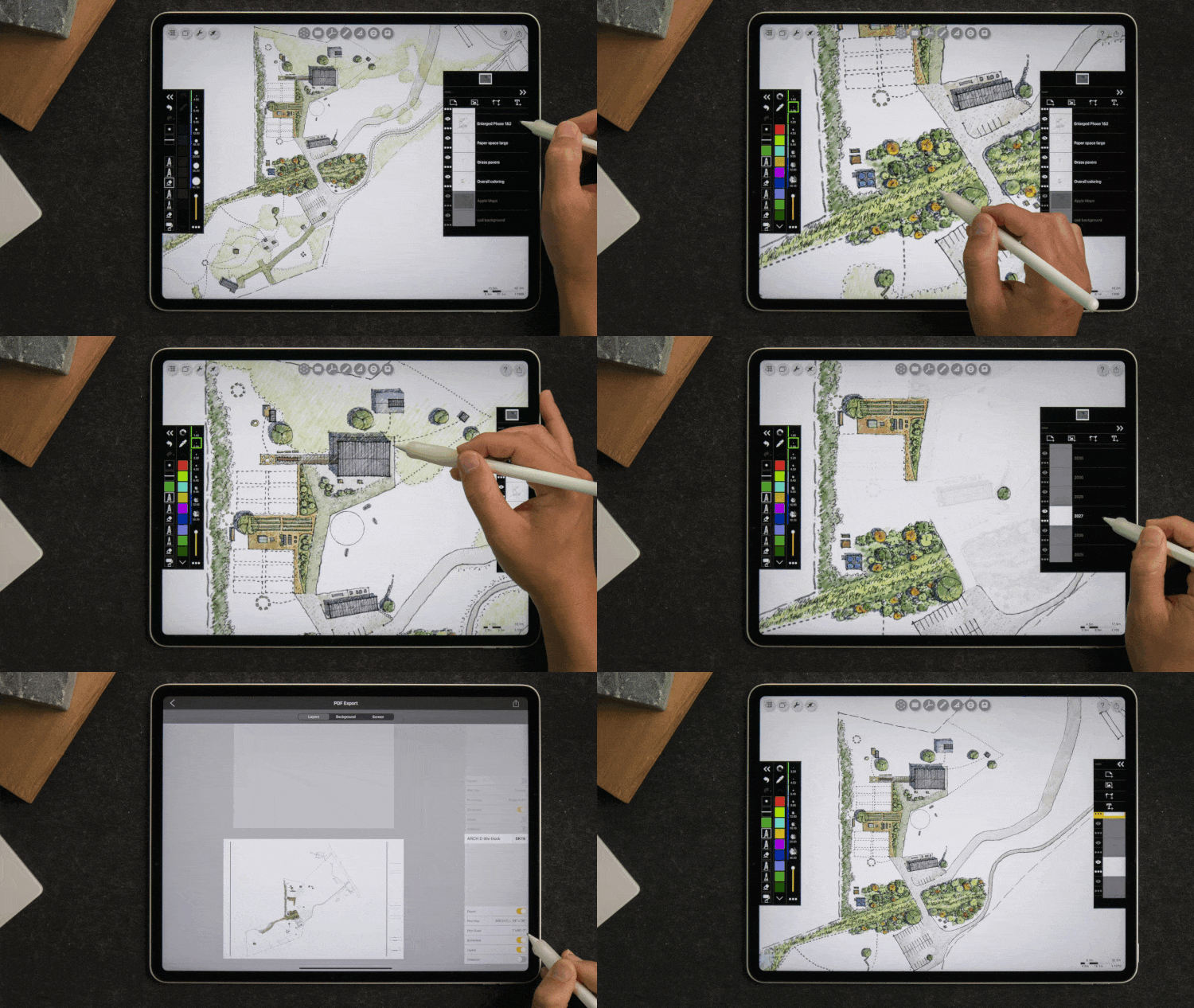
PDF workflow

Apple Map workflow

Interior design ideation

Construction (CA) workflow

Live sketching with 3D model

Interior perspective rendering

Detailing with custom Title-block

Bird's eye site analysis
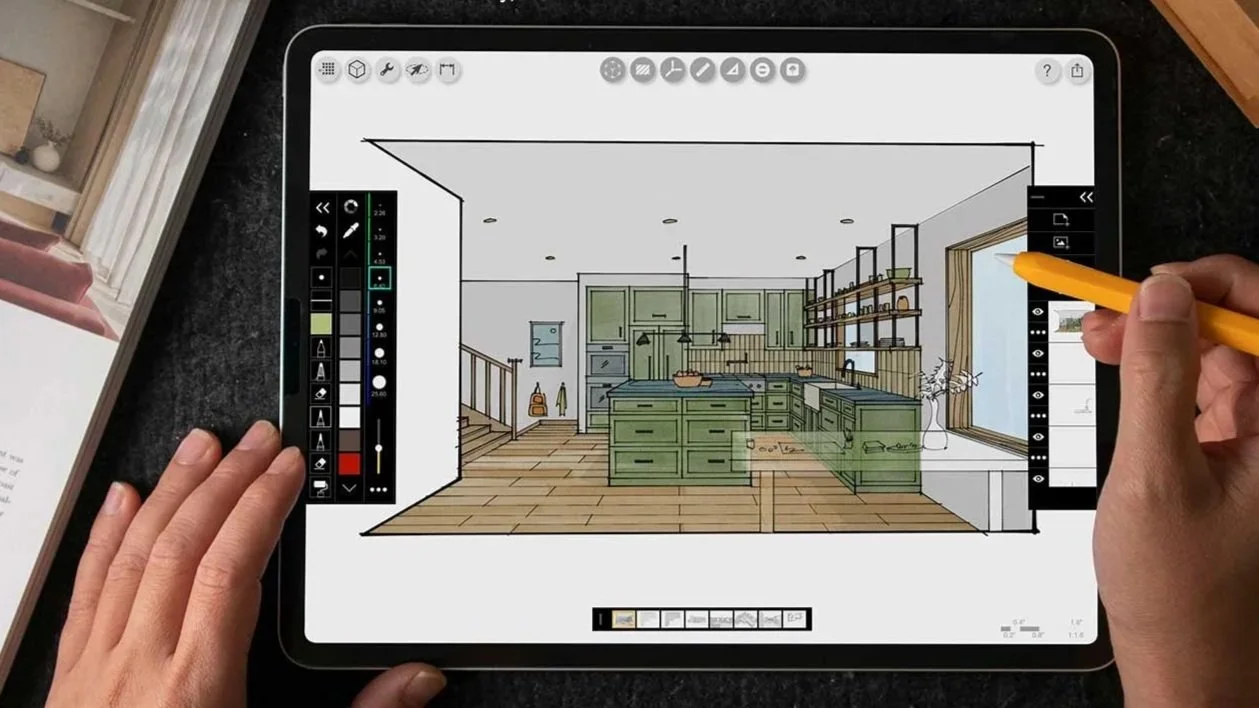
Lidar scan to perspective
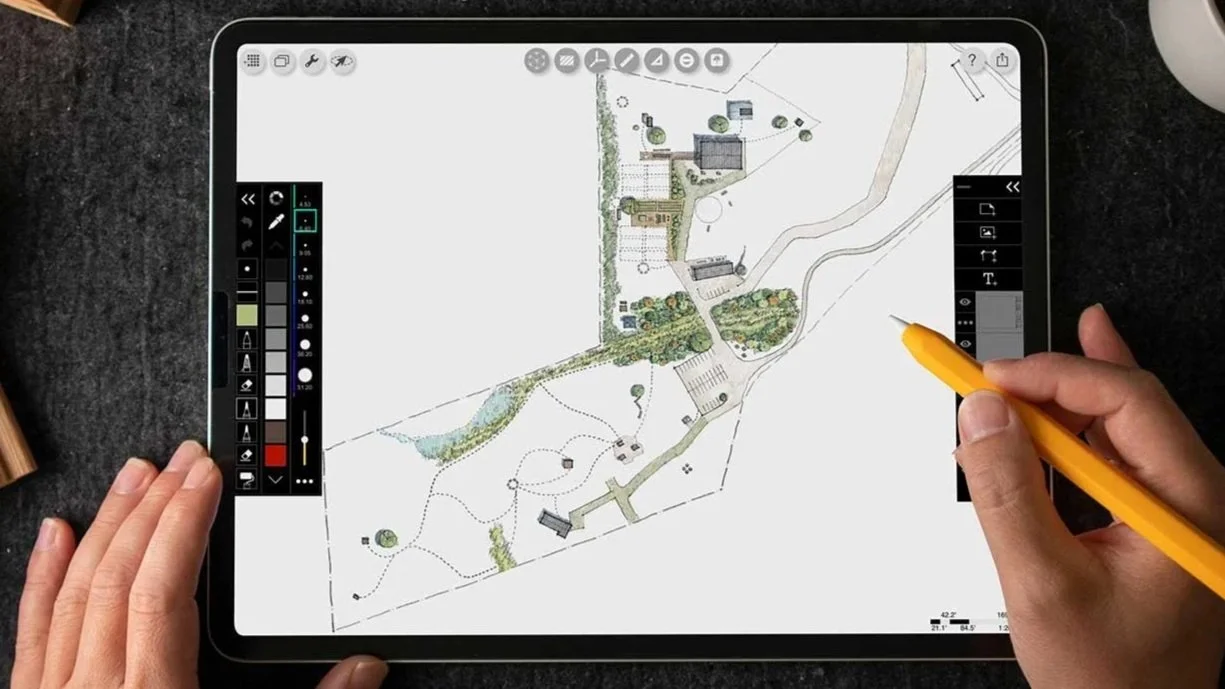
Masterplanning
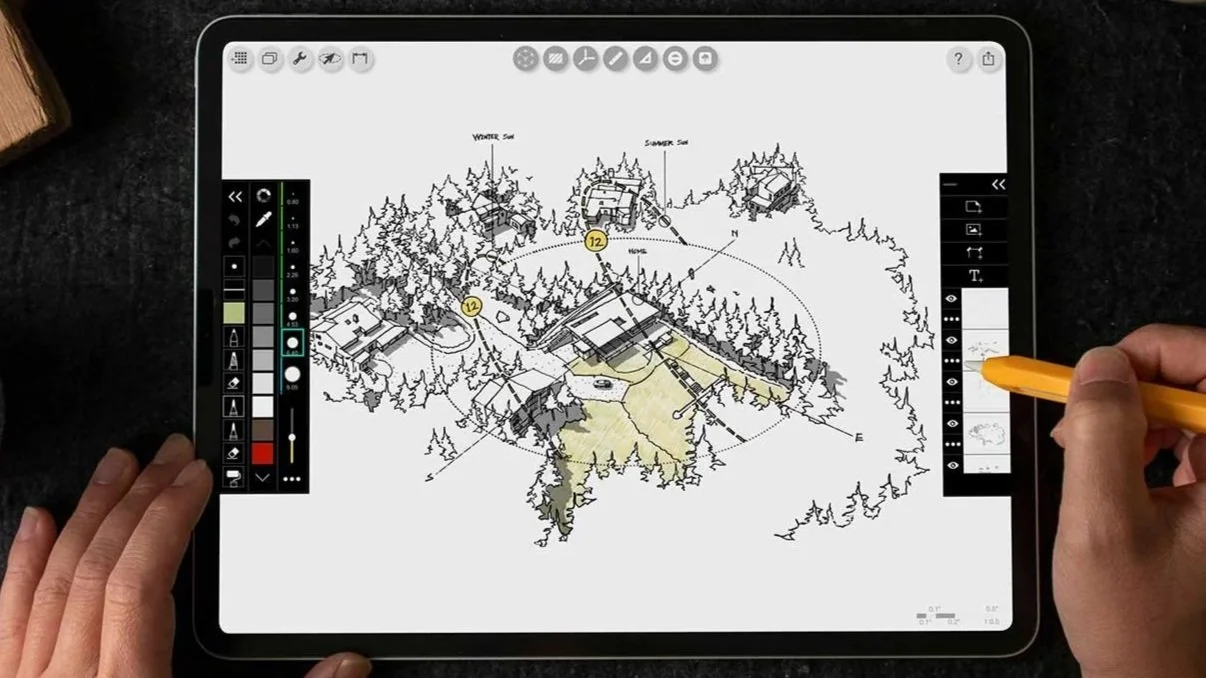
Bird's eye perspective
What You’ll Learn Inside The Morpholio Trace 2.0 Master Class
This course includes 6 easy-to-follow modules that walk you from opening Morpholio Trace for the first time… to mastering all the important technical aspects and best workflow practices.
Here’s what you’ll learn in each module:
-
I’ll show you exactly how to effectively work in scale on any project using Morpholio Trace. Everything you learn applies not just to architects’ needs but also to the needs of interior designers, landscape architects, and urban designers. The work in scale feature is unique to Morpholio Trace and is the main reason most architects use the app. So, I’ll make sure you understand how to get the max out of it and cover your individual needs as much as possible.
LESSONS INCLUDE:
Scale workflow overview and demonstration
Area calculation
Stencils and textures
Apple Maps
Import and export process & settings
PDF calibration
Layer best practice
-
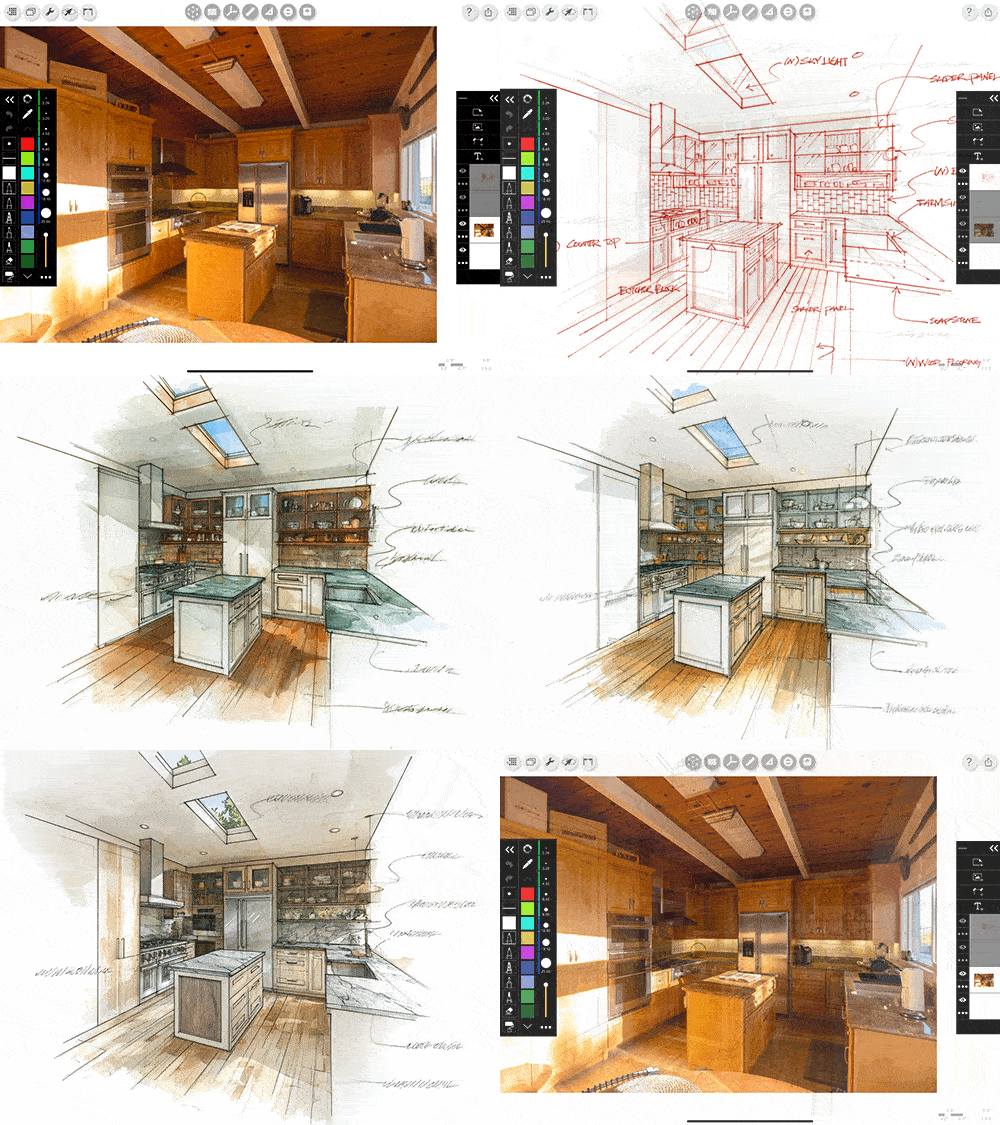
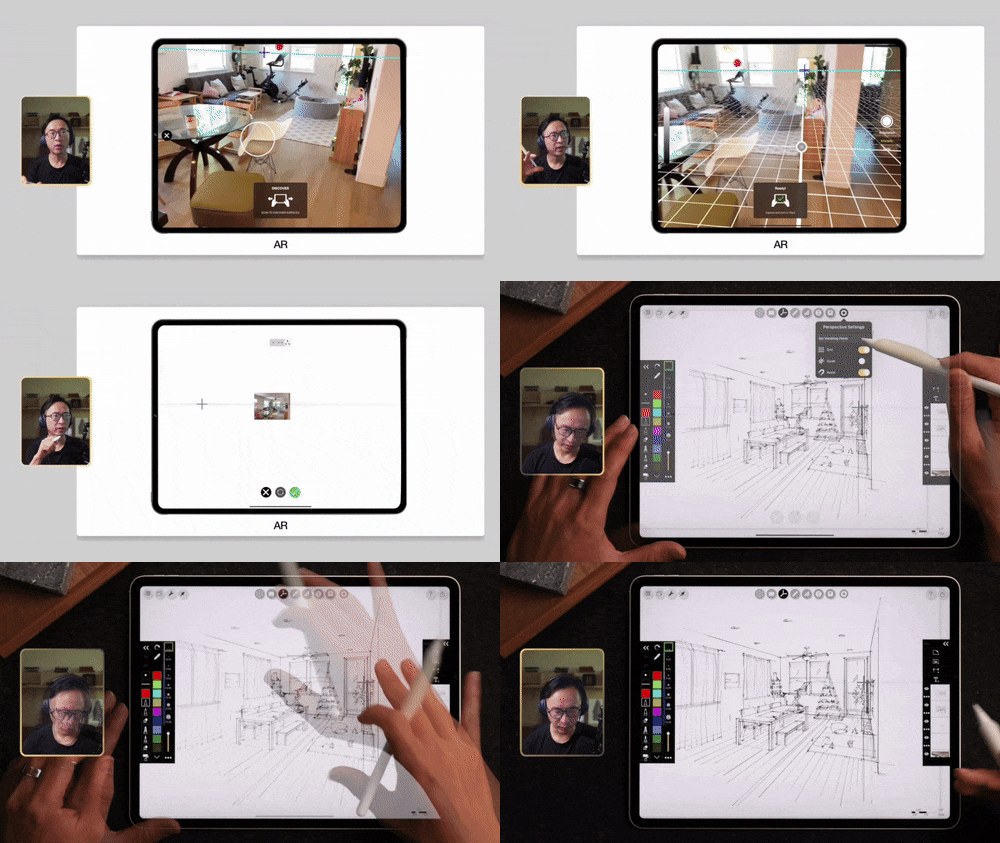
I’ll walk you through my personal perspective workflow and hand-rendering process. You’ll discover exactly how to create captivating hand-renderings, how to deliver them to clients, and when to use these instead of computer renderings. You’ll also learn how to work on existing photos you took from the site and start designing on them right away.
LESSONS INCLUDE:
Perspective workflow
Integrating site survey
Photo strategy
Entourage
-
Do this using just your iPad while annotating & sketching without the fear of mistakes. You’ll see my exact process for construction visits and learn how to adapt it based on your unique needs. I’ll show you how I deal with PDFs, bring files onto the set, load spec folders, share & collaborate with contractors, and much more.
LESSONS INCLUDE
Enlarged sketching workflow
Prepping for construction site visits
PDF annotation
RCP workflow
Instant mock-up
Sharing & exporting
-
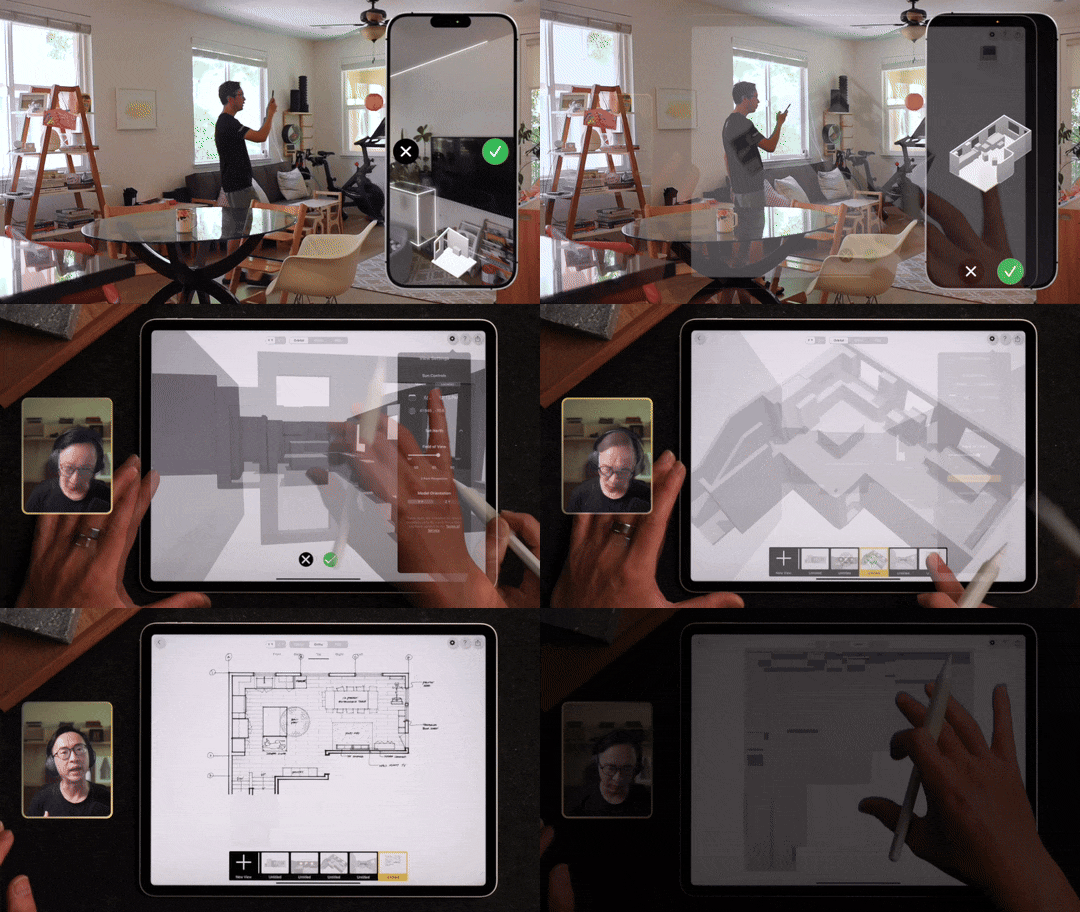
I’ll walk you through some unique sketching workflows and show you how to apply them to your own specific projects. You’ll discover exactly how to bring a 3D model into Morpholio Trace, set up all the accompanying settings (e.g., sun settings, picking views, etc.), and apply just the right coloring strategies & techniques.
LESSONS INCLUDE:
Live sketching
Importing 3D models
Sun studies
Picking views
Urban design workflow & case study
Coloring strategy & techniques
-
You’ll learn how to create custom templates you can use and easily repeat in sketches while on the field so you never have to start from scratch. You’ll be able to reuse these templates over and over again because I’ll show you how to create them for different sizes.
LESSONS INCLUDE:
Architectural detailing
ASK strategy
Working with title blocks
Creating your own templates
Saving and printing
-
I’ll walk you through the diagramming process, creating axonometric drawings, getting the max out of Morpholio Trace’s limited coloring options with workflows I’ve created from scratch, and much more. In a nutshell, this module encompasses the most important advanced techniques that ensure you stand out from the crowd and use Morpholio Trace like a pro.
LESSONS INCLUDE:
Diagramming like an illustrator
Floor plan to axonometric studies
Advanced brush techniques
Other advanced techniques & strategies
-
Integration to AutoCAD, Revit, ArchiCAD
How to organize and collaborate on projects within a multi-person firm
How to integrate & seamlessly connect your iPad and Desktop workflows
How to merge, move, copy, and paste an image selection (like in Photoshop) without unnecessary work?
How to collaborate with other professionals (engineers, landscape architects, surveyors, etc.) even with PDFs at different scales
How to space plan like in AutoCAD with furniture templates, trees, entourage, and vegetation without using default Morpholio Trace stencils
How to set up your project from the get-go with the right paper size, scale factor, title block, etc., to maintain a crisp resolution for printing
Tips & tricks that ensure drawing on the iPad becomes second nature to you
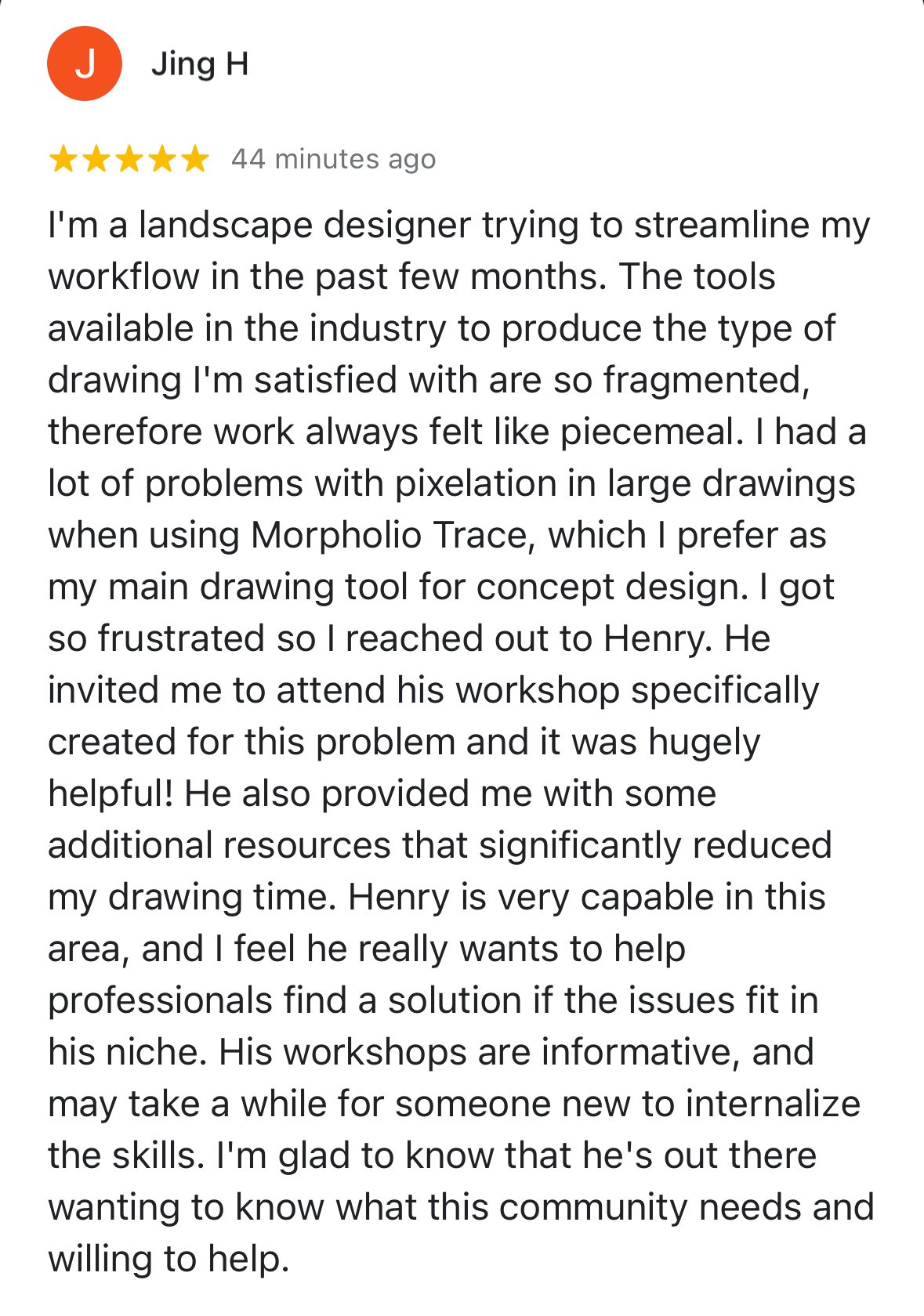
How to overcome pixelation without creating excessive layers and while keeping your files clean and organized
How to work effectively with a small iPad real estate without squinting and hurting your back
How to keep your drawings organized even when dealing with multiple sketches, dimensions, and annotations?
How to use stencils more effectively without losing drawing speed?
How to deal with raster based images to maintain a high quality print?
How to set up your project file correctly on large scale master plans without sacrificing resolution?
Landscape design insights
Easy transition from concept to detailed design
Enhanced precision with grids, guides, and snap-to functions
Creating captivating client presentations
And much, much more
-
Every module ensures you can easily find the exact lesson, tip, case study, workflow, etc., with one click using the time-stamped recording feature.
Plus, I break down each module into 3 components:
Use Scenario. I show you exactly what I’m using Morpholio Trace’s features for and ensure you understand how to apply them to different applications based on your unique needs.
Feature Demonstration. I’ll give you a step-by-step walkthrough of ALL the features I use in every workflow. But I won’t bother you with unnecessary features and will cover only the ones you’ll actually use.
Companion Workbook (Student Practice). You’ll get downloadable exercises and case studies for practice and further analysis. Meaning you can actively learn and see how to apply everything in practice.
I understand you’re strapped for time.
That’s why I made the program so easy to consume and incorporate into your current process without any halts or project delays.
Thanks to my Golden Retriever Study Plan, you can learn the ins and outs of Morpholio Trace in 4.5 hours spread out over less than 10 minutes per day and less than 1 hour per week.
Or you can see dramatic improvement in 7 days.
I understand your needs are unique.
That’s why I made sure all workflows, techniques, and strategies are easily transferable between architecture, interior, and landscape applications.
Plus, you get one-on-one support and a chance to ask as many questions and seek further explanations as you like.
I understand you don’t want to overspend to improve your workflow.
That’s why I’m not only making this available at a special (time-limited) price…
but I’ve also added guarantees to ensure your investment in the program feels completely safe.
I understand you’re skeptical about my promises.
That’s why I invite you to check out the results and stories of some of my 3,500+ students below.
Many were also strapped for time, stuck using under-optimized processes, and eager yet reluctant to make the first step to leveraging the power of digital.
My methods & training have worked for them. I’m confident they will for you too as long as you’re willing to put in the work and apply what you learn.
(Try it risk-free for 60 days.)
Here’s a summary of what
the Morpholio Trace Master Class 2.0 includes:
-

Easy To Consume & Follow Video Course 2.0
The bite-sized lessons cover big-picture strategies and detailed step-by-step instructions while making it easy to zero in on the topics or sections most important to you.
Learn only essential tools and techniques that you’ll actually use. This will save you time and ensure that you stay focused on what really matters.
$997 Value
-

Companion Workbook
Exercises that ensure you can apply everything you learn. Import the case study files to your iPad and get a practical look at how experts use Morpholio Trace.
You can review the exercises at your own pace and as often as you want.
$197 Value
-

Private Community Access
The Private Skool community can be as valuable as the Master Class itself.
It ensures continuous improvement, rekindles your love for the craft, and gives you a go-to place for all your problems with Morpholio Trace, using an iPad, and beyond.
$997 Value
-

Bonus: Weekly Office Hours
Get an hour every week to ask me anything you want via Zoom.
Plus, you get to see what your fellow architects and interior designers are asking and struggling with. You can even share your iPad screen for diagnostics and step-by-step help.
$1,200 Value
-

Bonus: Two 1-on-1 Coaching Sessions With Me
Most people hop on the first call when they enroll. This ensures we figure out your unique priorities & goals and set you up for success.
But you can schedule both calls whenever you want — the option never expires. I will stay on as long as it takes to figure out your unique struggles…
And ensure you have all you need to create a workflow that fits your needs like a glove.
$1,000 Value
-

Bonus: On-demand Access To Henry Via Email Or Text
You’ll get my private email address and cell number. Feel free to use it to text me anytime with iPad-related questions or comments — you’ll get a reply in 24 hours max and usually within 12 hours.
I added this feature to ensure you can get instant responses when in a snag during a project…
Without needing to book a one-on-one call or wait for office hours.
$1,200 Value
-

Bonus: Private Feedback On Your Work
Send me anything you’re working on and get a full-blown audit. I’ll help you identify areas to improve and optimize — in file makeup, techniques, or logic.
There is no limit on how many audits you can get. So, feel free to send your work as often as you need and until you’re 100% satisfied with the result.
$1,000 Value
-

Bonus: Access To Henry’s Private Case Study Vault
Lifetime access to an ever-growing case study vault that covers all your drawing needs and ensures you always have a starting point for your work.
Currently, the vault contains 30+ case studies from me and other experts that you can instantly download to your iPad.
$500 Value
-

Bonus: Exclusive Workshops With Industry Experts
Get practical walkthroughs, tips, and foundational tactics from industry experts on relevant topics, including SketchUp for iPad, architectural illustration, AI, and more.
The behind-the-curtain insights into how proven experts work give you a guaranteed edge and make an immediate & huge impact on your drawing results.
$1,000 Value
Choose your learning experience:
The Do-It-Yourself Plan
(COURSE 2.0 WITH WORKBOOK & COMMUNITY ACCESS)
$497
OR 6 Monthly Payments of $97
✅ Step-by-Step Video Course 2.0 ($997 Value)
✅ Companion Workbook ($197 Value)
✅ Private Community ($997 Value)
❌ Bonus: Two 1-1 Coaching Sessions With Henry ($1,000 Value)
❌ Bonus: Weekly Office Hours ($1,200 Value)
❌ Bonus: Personalised Feedback On Your Work ($1,000 Value)
❌ Bonus: On-demand Support to Henry via text ($1,200 Value)
❌ Bonus: Access to Henry’s Private Case Study Vault ($500 Value)
❌ Bonus: Exclusive Workshops With Industry Experts ($1,000 Value)
Total Value: $2,191
(Try it risk-free for 60 days.)
The VIP Plan
(COURSE 2.0 + ACCESS TO HENRY + BONUSES)
$997
OR 12 Monthly Payments of $97
✅ Step-by-Step Video Course 2.0 ($997 Value)
✅ Companion Workbook ($197 Value)
✅ Private Community ($997 Value)
✅ Bonus: Two 1-1 Coaching Sessions With Henry ($1,000 Value)
✅ Bonus: Weekly Office Hours ($1,200 Value)
✅ Bonus: Personalised Feedback On Your Work ($1,000 Value)
✅ Bonus: On-demand Support to Henry via text ($1,200 Value)
✅ Bonus: Access to Henry’s Private Case Study Vault ($500 Value)
✅ Bonus: Exclusive Workshops With Industry Experts ($1,000 Value)
Total Value: $8,091

(Try it risk-free for 60 days.)
Two Guarantees That Make Your Investment Completely Risk-Free

60-Day “You Go Digital Or You Don’t Pay” Guarantee
If you don’t feel the program has lived up to its promises or if you want your money back for any reason…
Just shoot one email to support@henrygao.com saying you want a refund without any explanation. You’ll instantly get it — no questions asked.
+
The Never Expiring "Switch If Not A Fit" Guarantee
If after going through the program, you find that Morpholio Trace can't be your go-to app for any reason at any time...
Just say the word, and you'll gain access to my Procreate Master Class instead at no extra cost.

Meet Your Mentor
Hi, I’m Henry Gao. Trained as an architect in the U.S. and Canada, I now help architects, interior designers, and landscape architects make the leap from traditional hand drawing to fast, flexible digital drawing on the iPad.
My work has been featured in the 30X40 Design Workshop, Practice of Architecture, and Dwell. Over the years, I’ve guided thousands of design professionals to completely transform their workflow—saving time, cutting costs, and freeing up space to actually enjoy the creative side of the job.
What started as a small YouTube channel during the pandemic has now grown to 57,000 subscribers and over 2.7 million views. I also run the largest iPad for Architects community, where students get ongoing guidance, feedback, and advanced training.
Now, I’m pulling back the curtain to share the exact blueprint I use—so you can craft a unique iPad workflow that works for you, ditch the clunky traditional tools, skip the over-complicated software, and reclaim your time (and sanity) as a designer.
Join Thousands Of Architects & Interior Designers Who Have Transformed The Way They Work With The iPad + Morpholio Trace Combo
“My reservation at first were just like was this going to be easy enough and was it going to be the same quality as sketching on paper?”
Lauren Kenne, Architect, USA
“Seeing the quality of a lot of your work, and thinking holy cow”
David Scott, Architect, UK
“I used to present to people I look at now and I’m like, oh my god, I cannot believe I gave that to people”
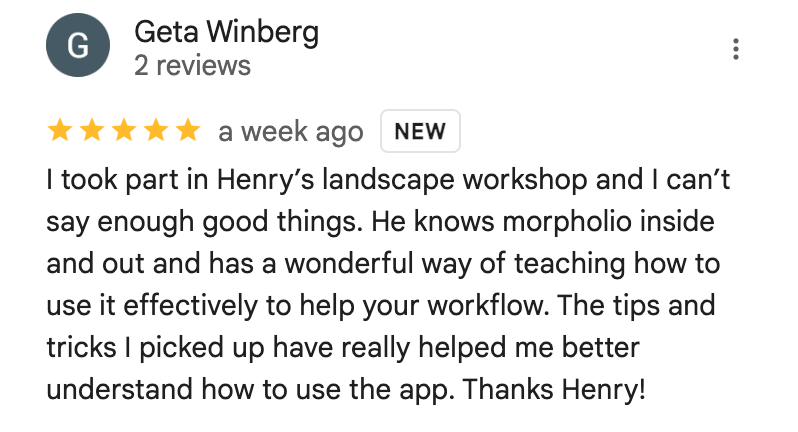
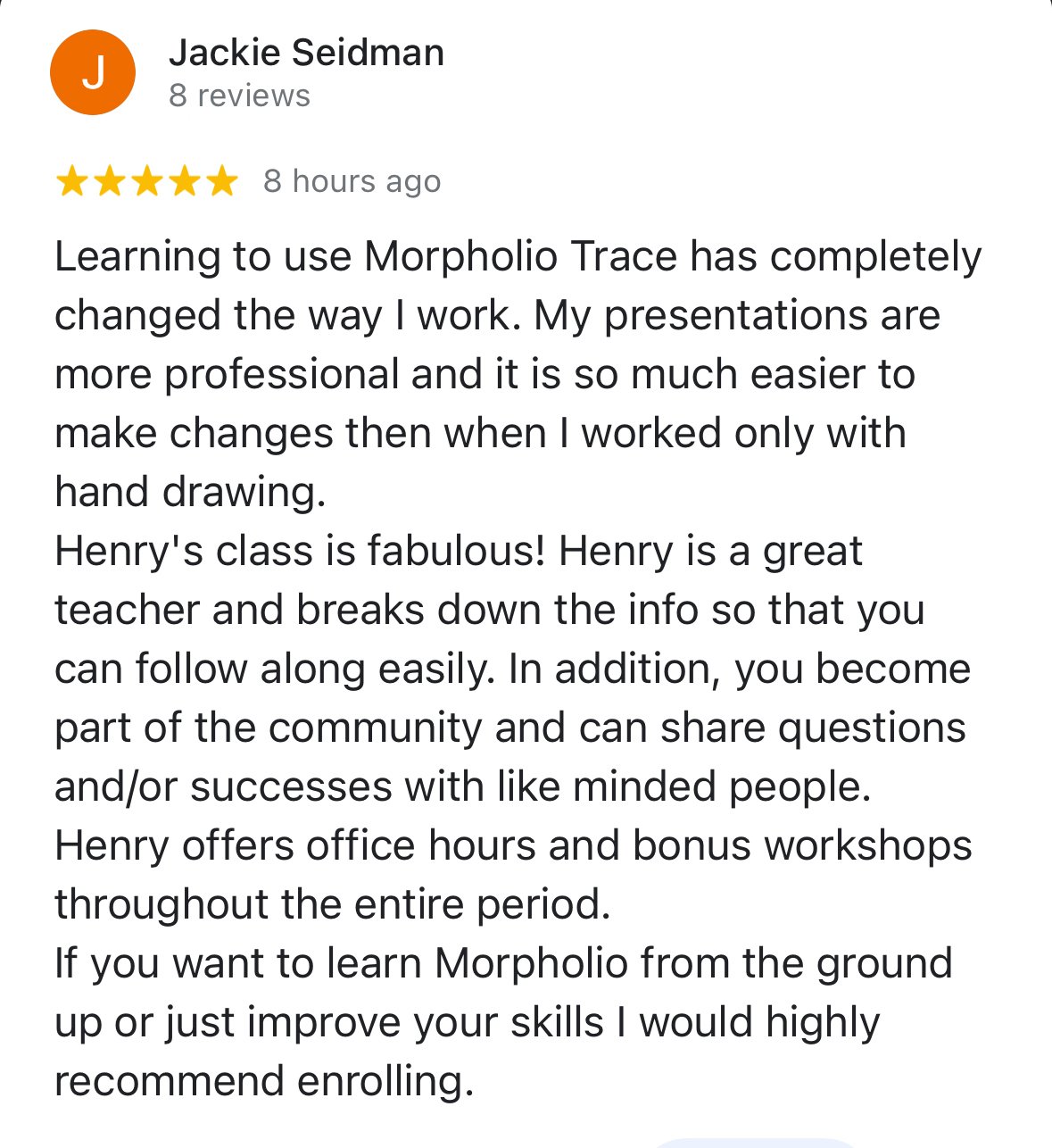
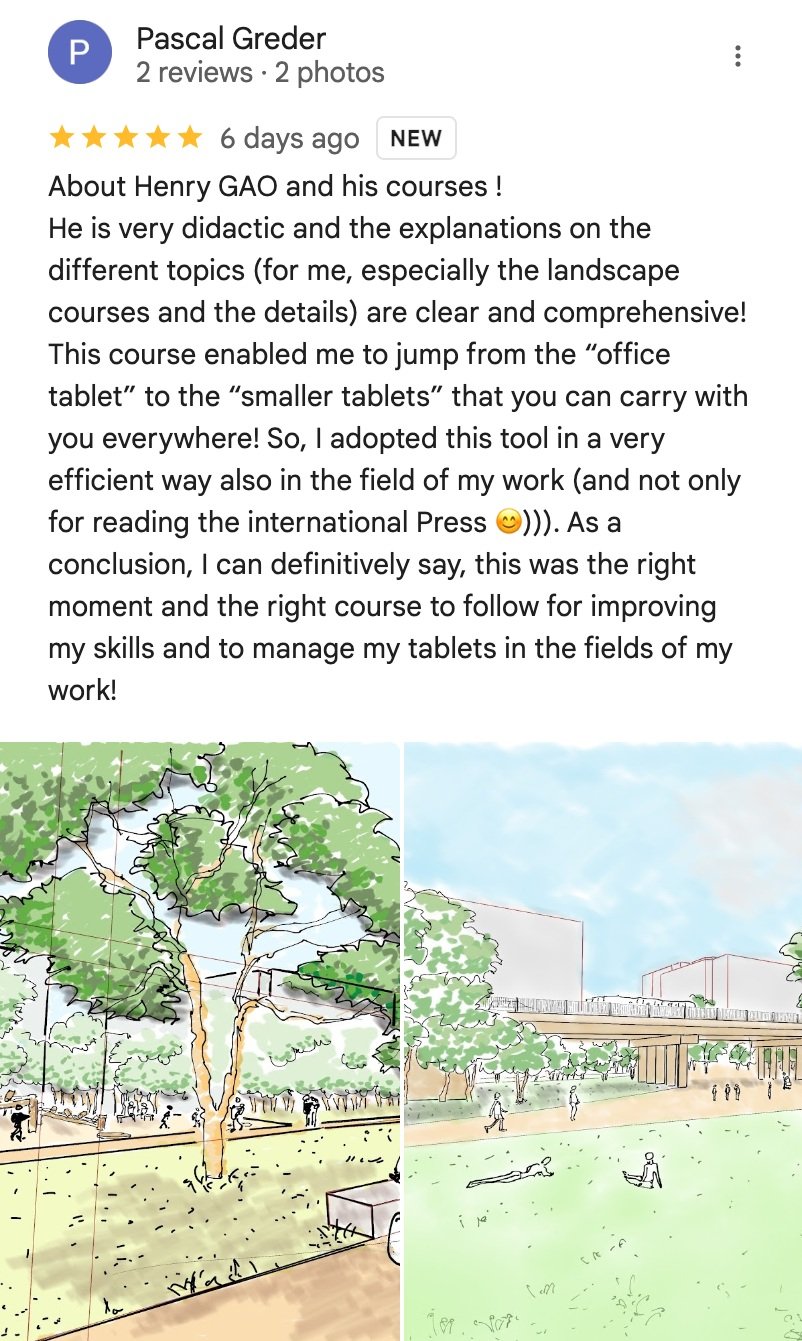
Jackie Seidman, Landscape Architect, USA
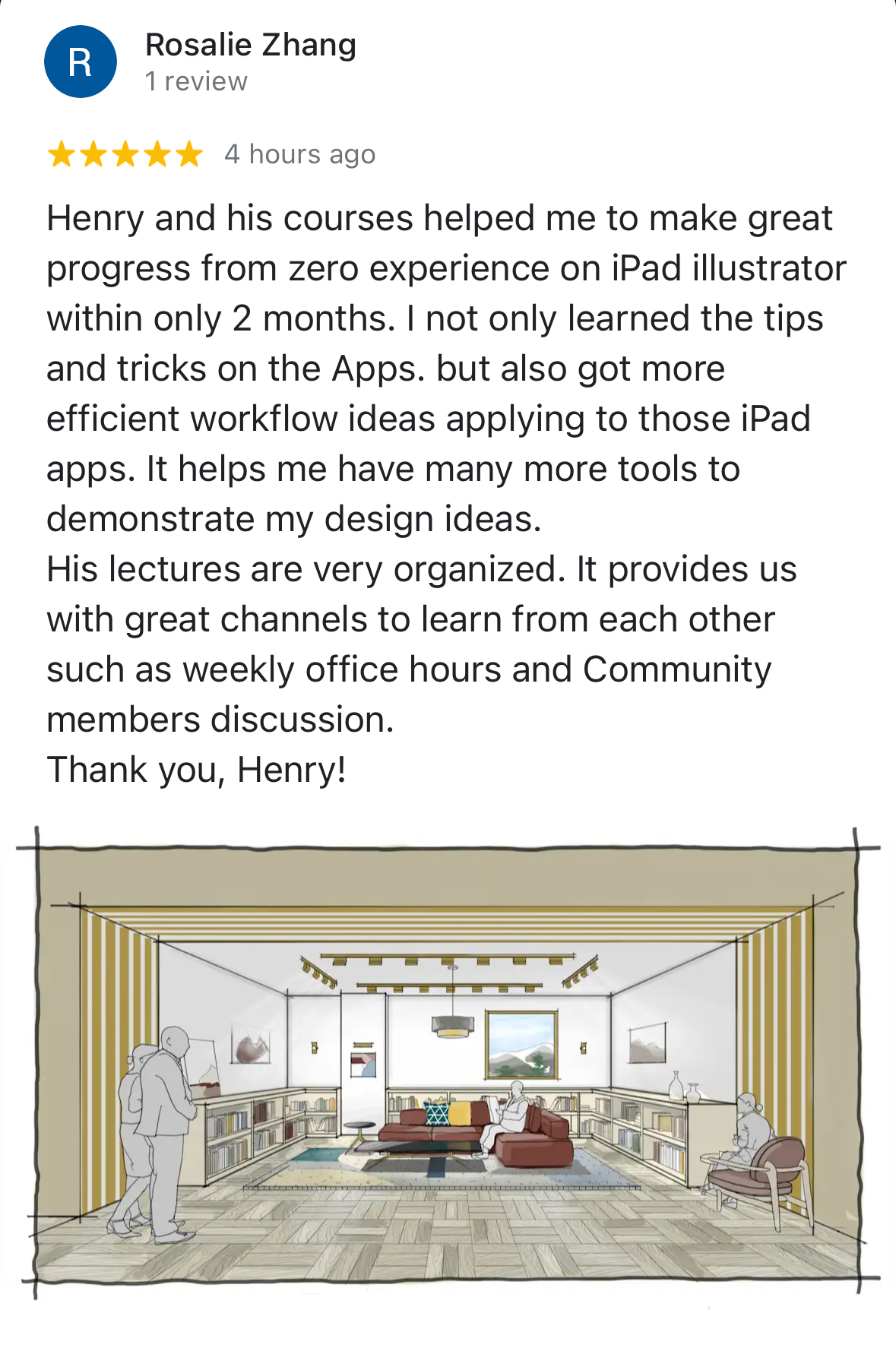

-
![]()
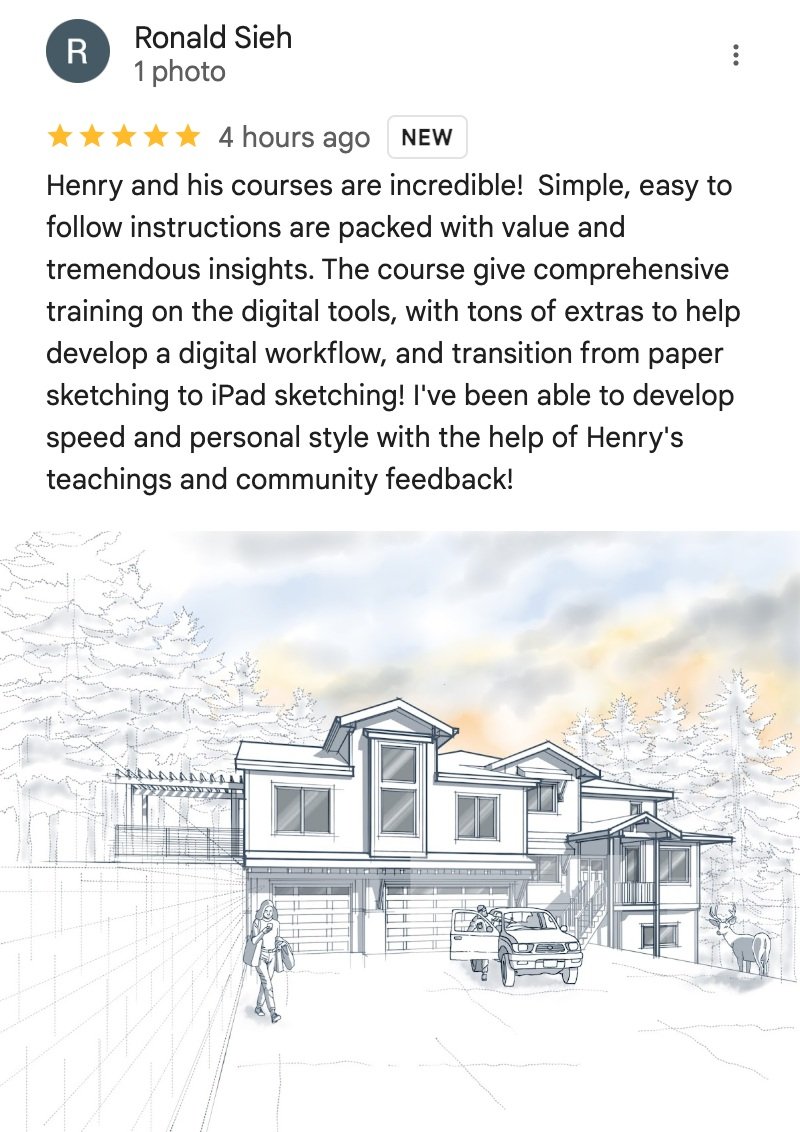
Henry has brought back the romance of the handcraft of the architecture industry! The iPad with Apple Pencil has been released for 7+ years and no one on the internet besides Henry has created such a robust course that will teach architects of any experience level the skills required to maximize the power of the iPad in the Architectural Industry!
Devon, California
-
![]()
The content is well-structured, engaging, and delivered by a knowledgeable expert who has a knack for breaking down complex concepts into simple, easy-to-understand steps. What sets these tutorial videos apart is the clarity and attention to detail. Each video is meticulously crafted, covering every aspect of the subject matter, leaving no stone unturned.
Mykel, Utah
-
![]()
I enjoyed hearing his personal insight throughout each lesson. My favorite part of this course was the Case Studies, where we’re invited to watch his thought process of bringing some of his own projects to life. You can tell, especially here, that Henry really wants you to succeed at Procreate
Whitney, New York
-
![]()
Henry's architect/interior designer focused content helps refine existing skills and inspires/develops new skills and workflows. The content is clear, direct and directly applicable to the iterative design process. Henry's mentoring and design expertise shines in how he explains each lesson and takes you through his process.
Adam, Long Beach USA
-
![]()
I found it tedious to draw by hand so I started to rely more on digital CAD tools, which made me disconnect my hands from my creative process. I think the procreate course is a great way to reconnect with my hands while designing.
Beatriz, Honduras
-
![]()
This course is something I have been curious about and searching for for a really long time. Hand sketching and drafting was something I did in school, but after practicing architecture mostly in 3D modeling software, I have become very reliant on digital tools. I believe that Henry bridged this gap for me with this course.
Julius, California
-
![]()
Not only will Henry guide you through all the tools to produce a final drawing, he will also share helpful tips. I enjoyed hearing his personal insight throughout each lesson.
Aleks, London
-
![]()
Having Henry as a guide has made it effortless. His step by step process, colored with useful tips along the way, demystifies the complexities of drawing on an iPad and makes it accessible to all.
Omar, Maryland
-
![]()
This course is great for getting you setup to be ready to create digital designs! So many good tips and tricks that I would have never found on my own.
Benjamin, British Columbia
-
![]()
His deep experience of art principles, NOT just technique will make you transcend the technical and mechanical aspects. I totally recommend this course regardless of your profession and level of experience,... Interior Designers, Designers, Landscape Architects, Architects, Artist, Enthusiastic's.
Rafael, Taxas


(Try it risk-free for 60 days.)
Frequently Asked Questions
-
With the DIY Plan, you’ll have access to Henry’s general support inside the private community, where you can post questions and get help from Henry or your peers.
With the VIP Plan, you’ll receive premium support directly from Henry. This includes two private 60-minute coaching sessions, weekly office hours every Wednesday, and unlimited text support whenever you need personalized guidance.
-
The DIY Plan is perfect if you prefer to learn at your own pace. It gives you step-by-step video lessons, time-saving templates, and access to Henry’s private community.
The VIP Plan, on the other hand, is designed for professionals who want faster results and more accountability. It includes two 1-on-1 coaching calls via Zoom, weekly office hours for live feedback, and priority access to Henry through text and email.
-
You need an iPad compatible with Apple Pencil and a subscription to Morpholio Trace Pro Plan ($20/year).
iPad models supporting iPadOS 16 include:All iPad Pros from 2015 onward
iPad Air (3rd gen and newer)
iPad mini (5th gen and newer)
Standard iPad (6th gen and newer)
iPad 10th gen with USB-C Apple Pencil
-
They’re held every Wednesday from 11 a.m. to 12 p.m. Pacific Time (check the community calendar tab for specifics each week)
If you cannot attend, you can send Henry your specific question ahead of time via email or message, and it will be answered at the beginning of the next office hour.
-
Even though the core of the Master Class focuses on exercises for architects and interior designers, I’ve also added specific residential workflows for landscape architects.
Also, all workflows, techniques, and strategies are easily transferable between architecture, interior, and landscape applications.
-
With your purchase, you’ll have instant access to my 6-week roadmap.
These lessons can only be streamed inside the course and community platform (Skool), where you can ask questions and get feedback from your fellow learners and me.
You’ll have lifetime access to these lessons, so you can use them whenever necessary.
-
No, you’ll have lifetime access to the core program + community and any future updates.
-
I want you to feel completely confident in your investment. If you go through the bootcamp, apply the techniques, and don’t see the value, you have a full 60 days to request a refund—no hassle, no questions asked.
My goal is to make sure you walk away with practical skills that save you time, improve your workflow, and make digital sketching an essential part of your process. If it doesn’t work for you, I’ve got you covered.
Everything You Need to Build Your Complete iPad Workflow - In One Place
Discover how Morpholio Trace on the iPad can give you a faster, more efficient workflow, and put it to work on your project today.

(Try it out risk-free for 60 days.)